How to build a conference website
The event website is usually the first thing a prospective attendee sees and the last place they come back to for details. In the SF-CONFERENCE system there is nothing to order or set up separately. It comes into being with the event, at the same address as the registration form, and is assembled from ready-made blocks in the panel.
Below we go through the whole configuration: where to find the editor, how to pick the colours and background, what to build the home page from, how to add subpages such as an agenda or a speaker list, how to arrange the menu and how to wire up the contact form with a map.
Where the website is edited
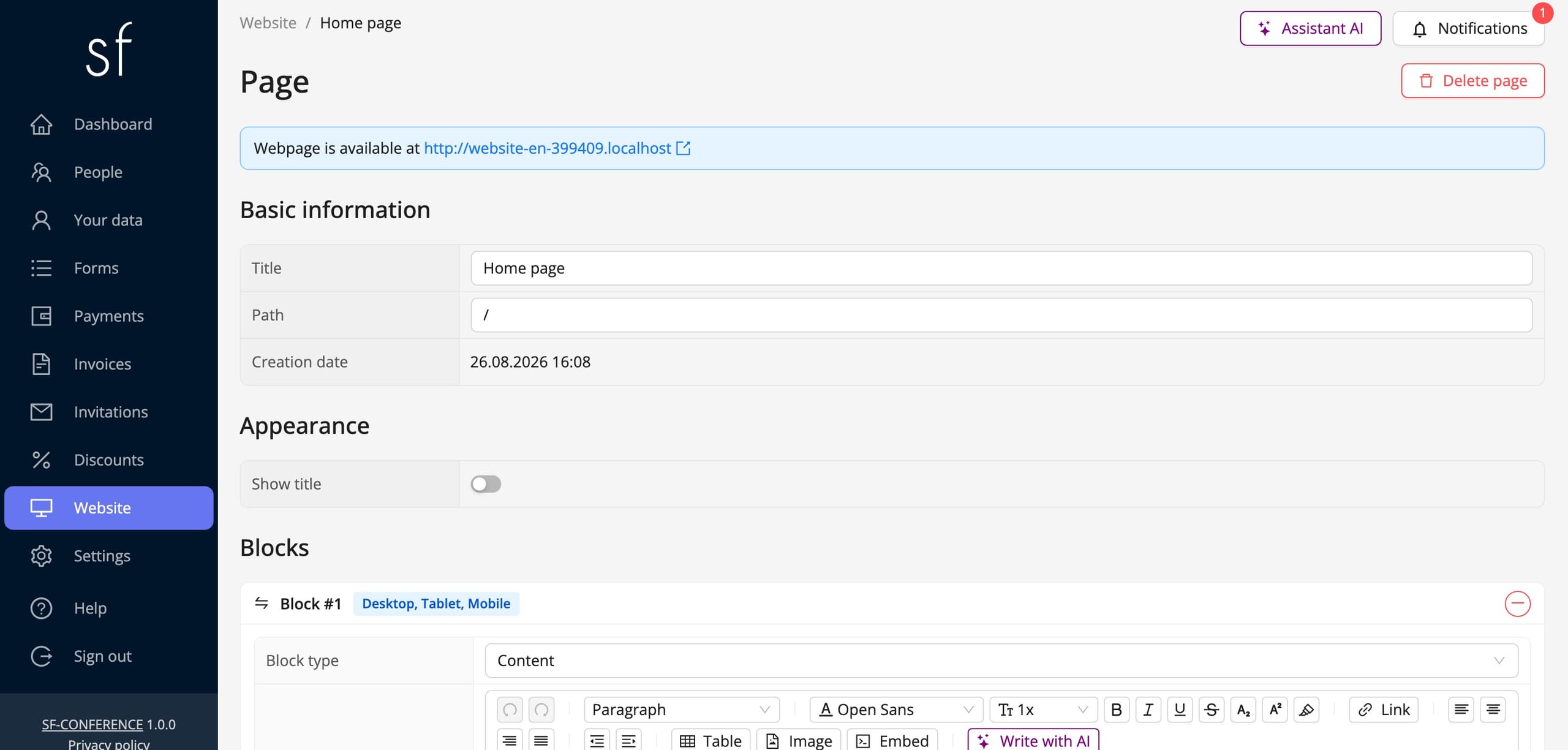
Go to website in the panel’s side menu. At the top of the view the system shows the address the site is available at. You can open it in a new tab and check the effect as you go. The view splits into tabs: pages, appearance, menu, contact and footer.
Colours, background and header
The appearance tab governs how the site looks as a whole. In it you set the event website background, the rounded corners, the header text colour and the active menu item highlight colour. What the header contains is decided by logo in header, where you upload the image shown in the header, together with max header logo height, and the show event name in the header toggle.
That is enough to make the site look like your event rather than a default template. If the conference has a visual identity, it usually comes down to uploading a logo and picking two colours.
Blocks, or what the page is made of
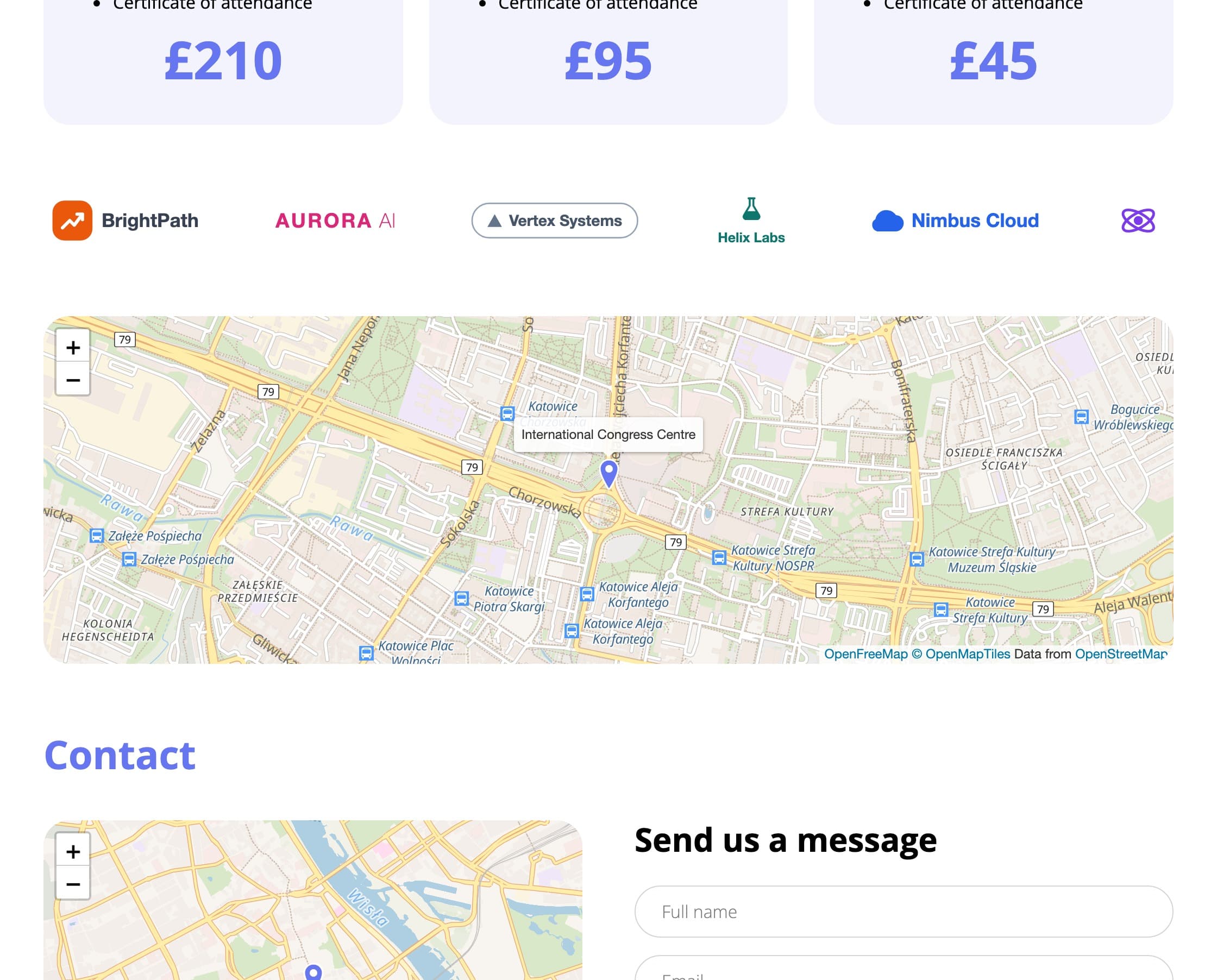
You build the page content out of blocks. There are eight kinds to choose from: content, full width image, a two column view with an image and text, countdown to a date, tabs, tiles, carousel and map. You add each block, set its order and fill it with content in every language of the event. Each one also has its own Appearance section, where you set its background, colours and spacing.
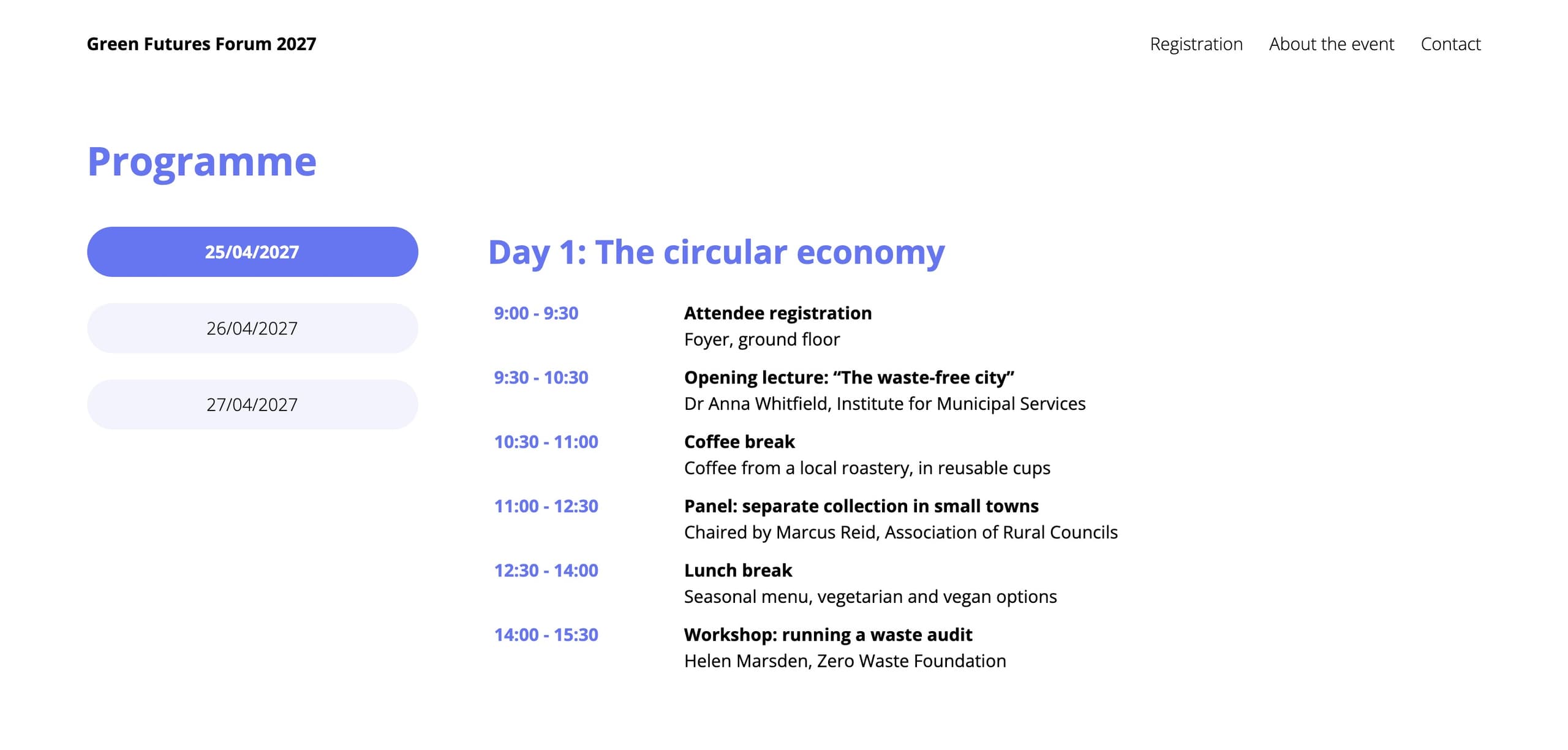
There is no separate “agenda” or “speakers” block. And none is needed. You assemble the agenda from tabs, one tab per day of the conference, or from a content block with a table. A speaker list is easiest to build from tiles, because every tile carries a photo, a heading, a description and a window with a longer note. Sponsor logos are shown by the carousel, or by tiles with no background. So the same handful of blocks covers very different sections.
Every block also has a visibility setting for desktop, tablet and phone separately. That earns its keep with elements that only get in the way on a small screen, a wide table, say, or a large background image.
Block types
The Block type list in the panel offers eight entries. Below is each of them: what it does, what it suits and how it looks once filled in, in the panel and on the event website.
Content
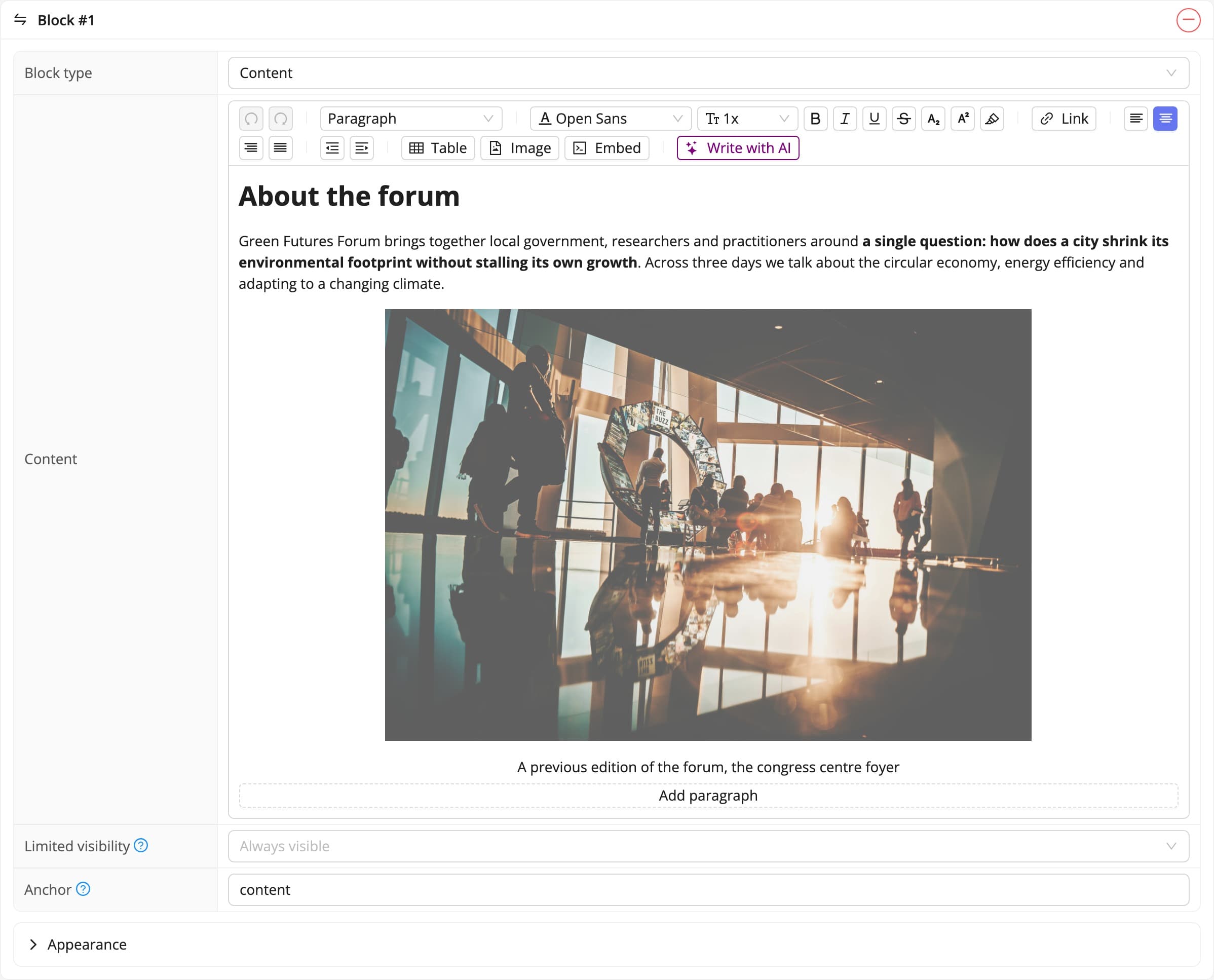
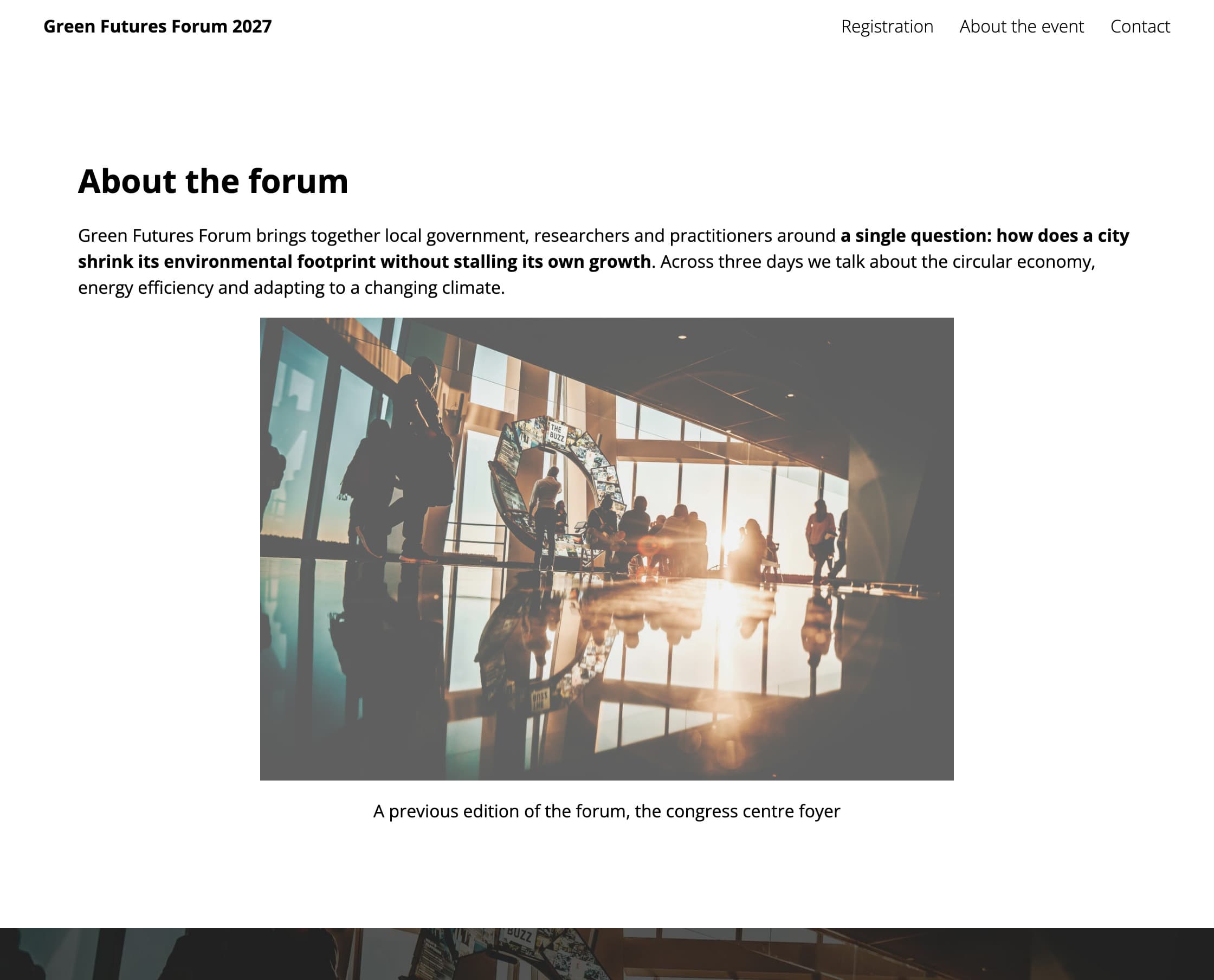
An ordinary text editor: headings, paragraphs, lists, tables, images and links. The block can be given a coloured background and a chosen amount of inner padding.
What for: a description of the conference, a message from the organiser, the terms, travel information. Anywhere you simply need text.
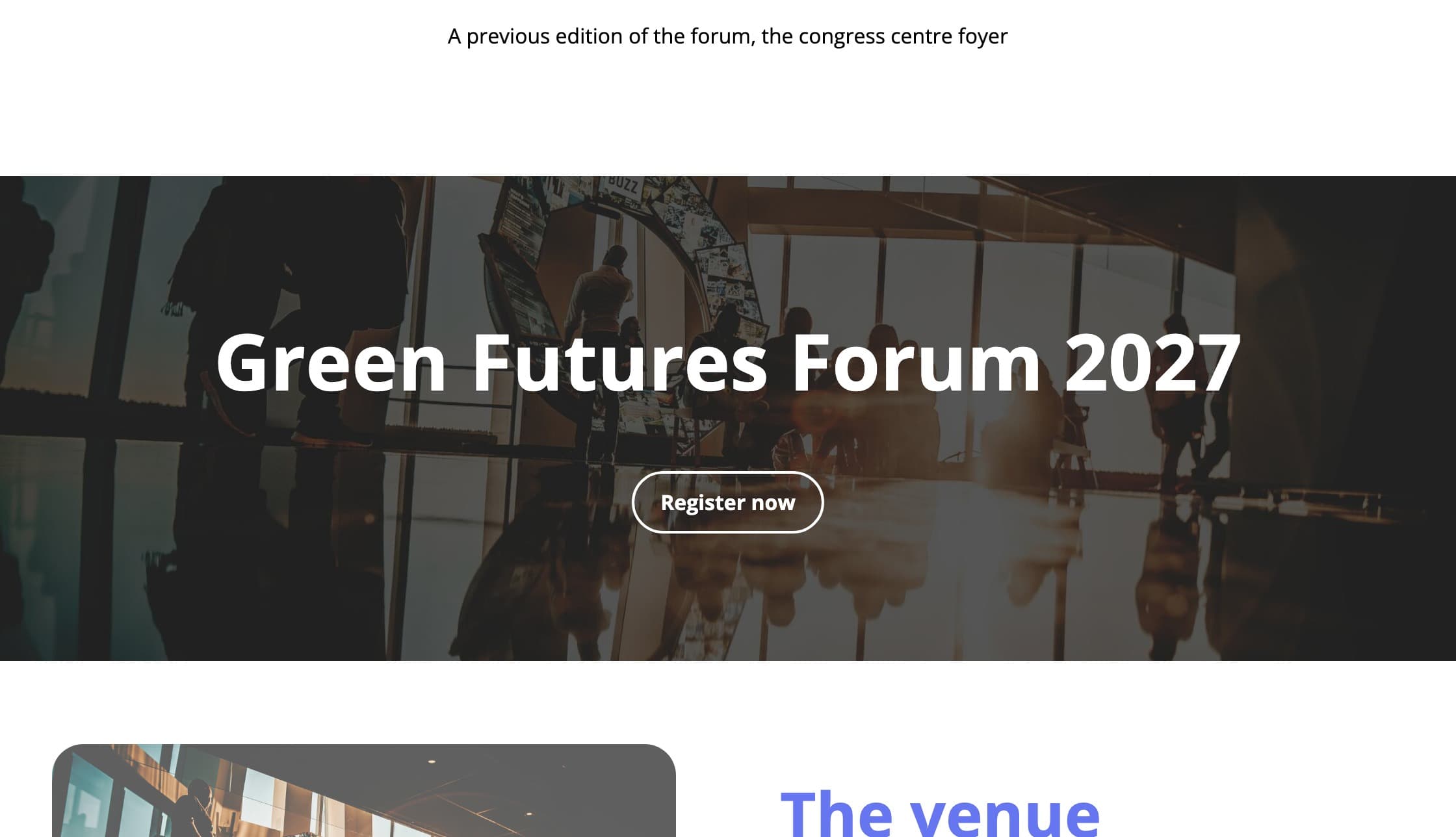
Full width image with a content inside
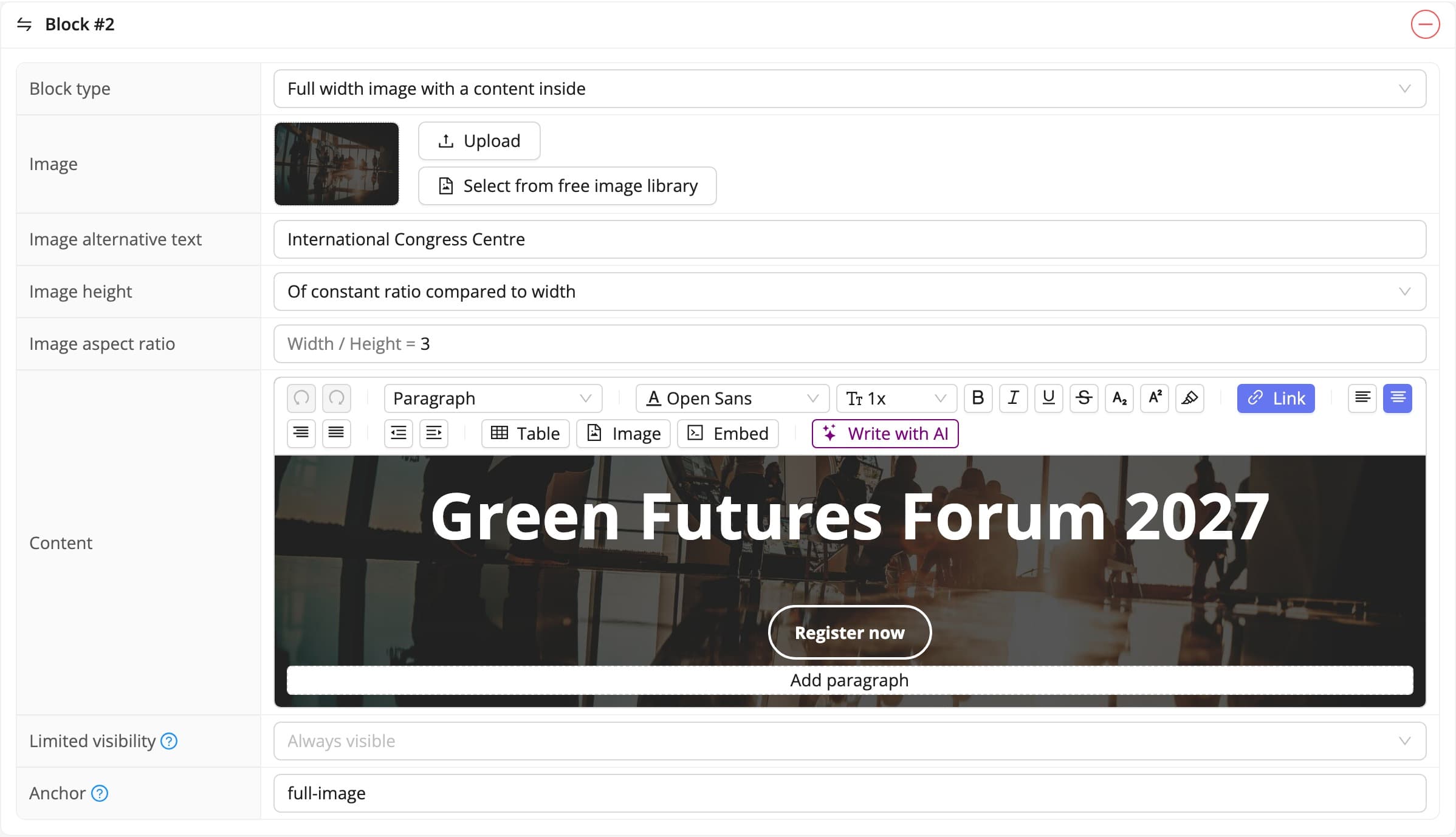
A photo stretched across the full width of the screen, with content laid over the top. The height can follow the content, fill the browser window, or keep a constant ratio to the width.
What for: the banner that opens the home page, carrying the event name, the date and a button leading to registration.
Two column view of an image and a content
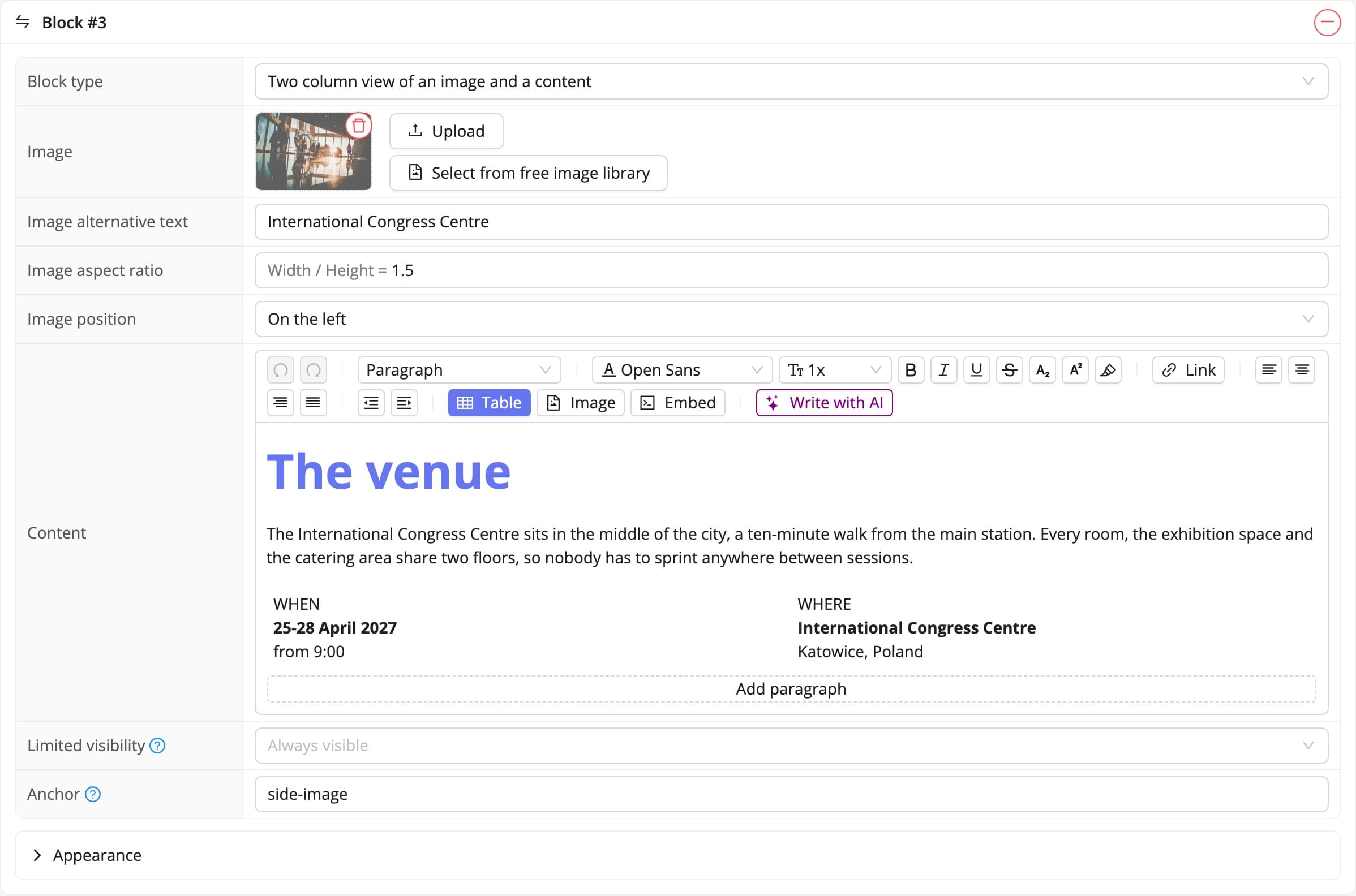
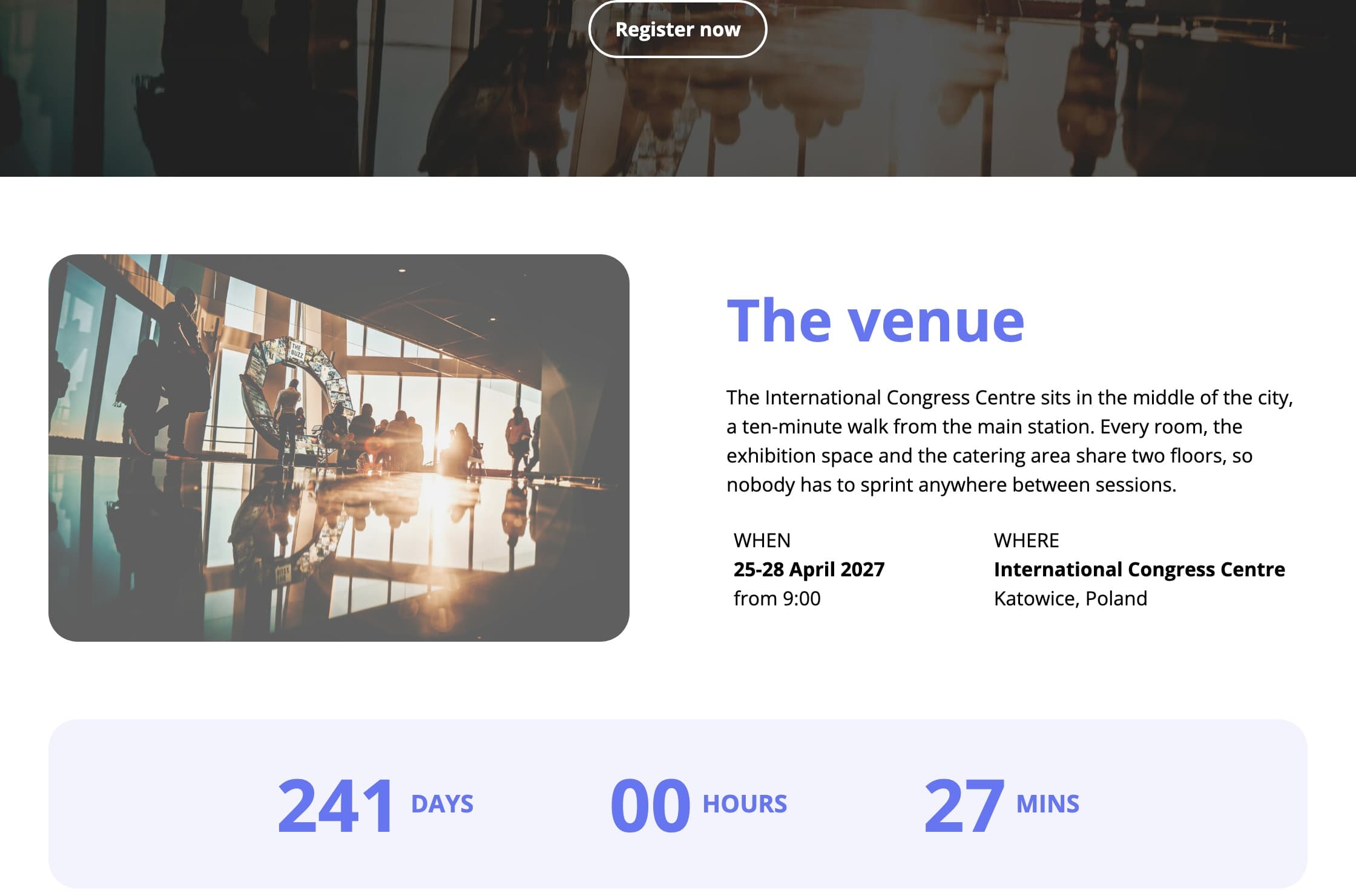
An image or an mp4 video on one side, text on the other. You choose the side the image stands on, and its aspect ratio. On a phone the columns stack one under the other.
What for: introducing the venue, a profile of a special guest, a workshop announced with a photo.
Countdown to a date
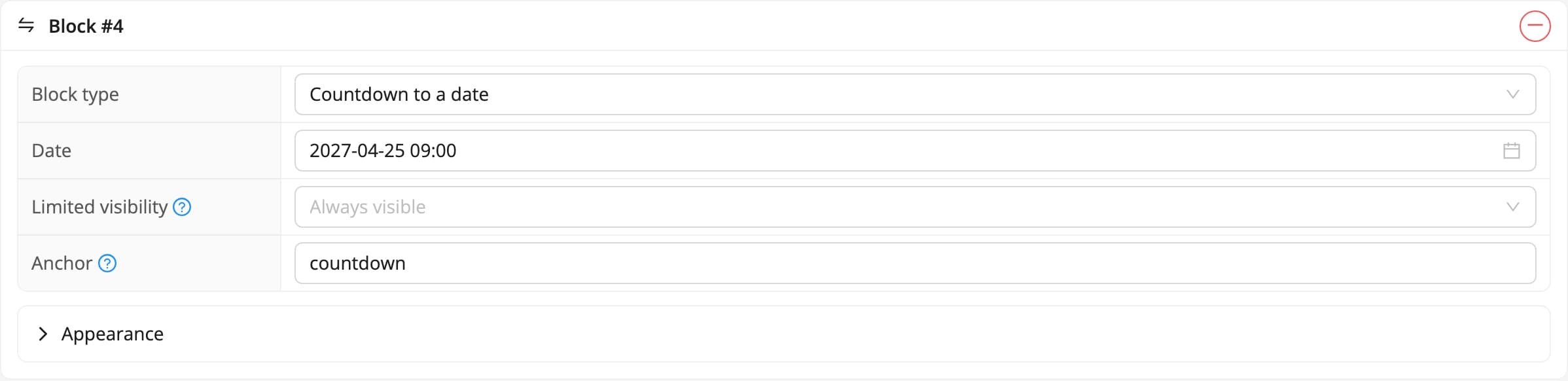
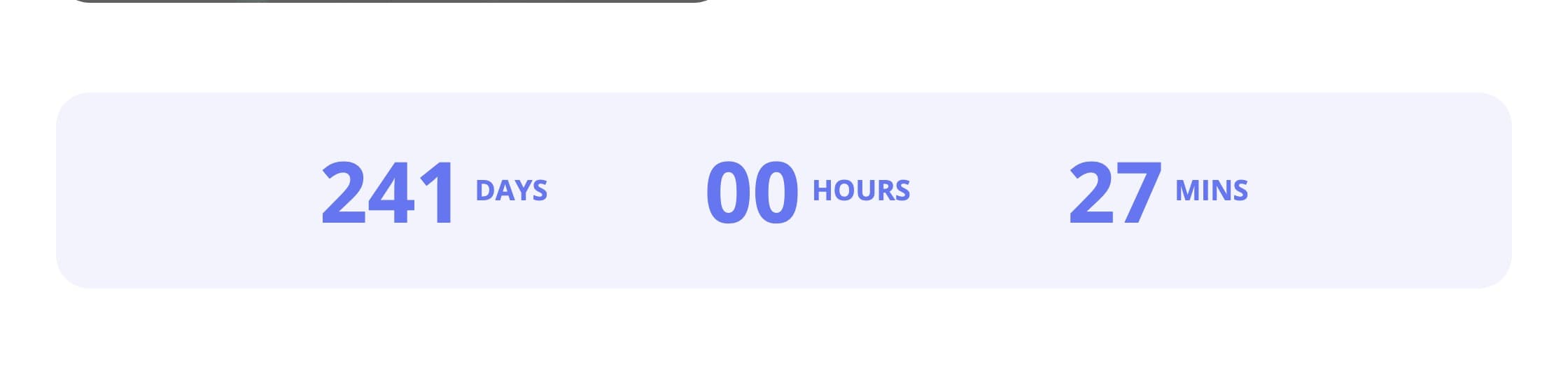
A counter showing how much is left until the chosen date and time. Days, hours and minutes are switched on separately, and you also pick the colour of the digits and the tile background.
What for: counting down to the opening of the conference, or to the close of registration when you want to stress the deadline.
Tabs
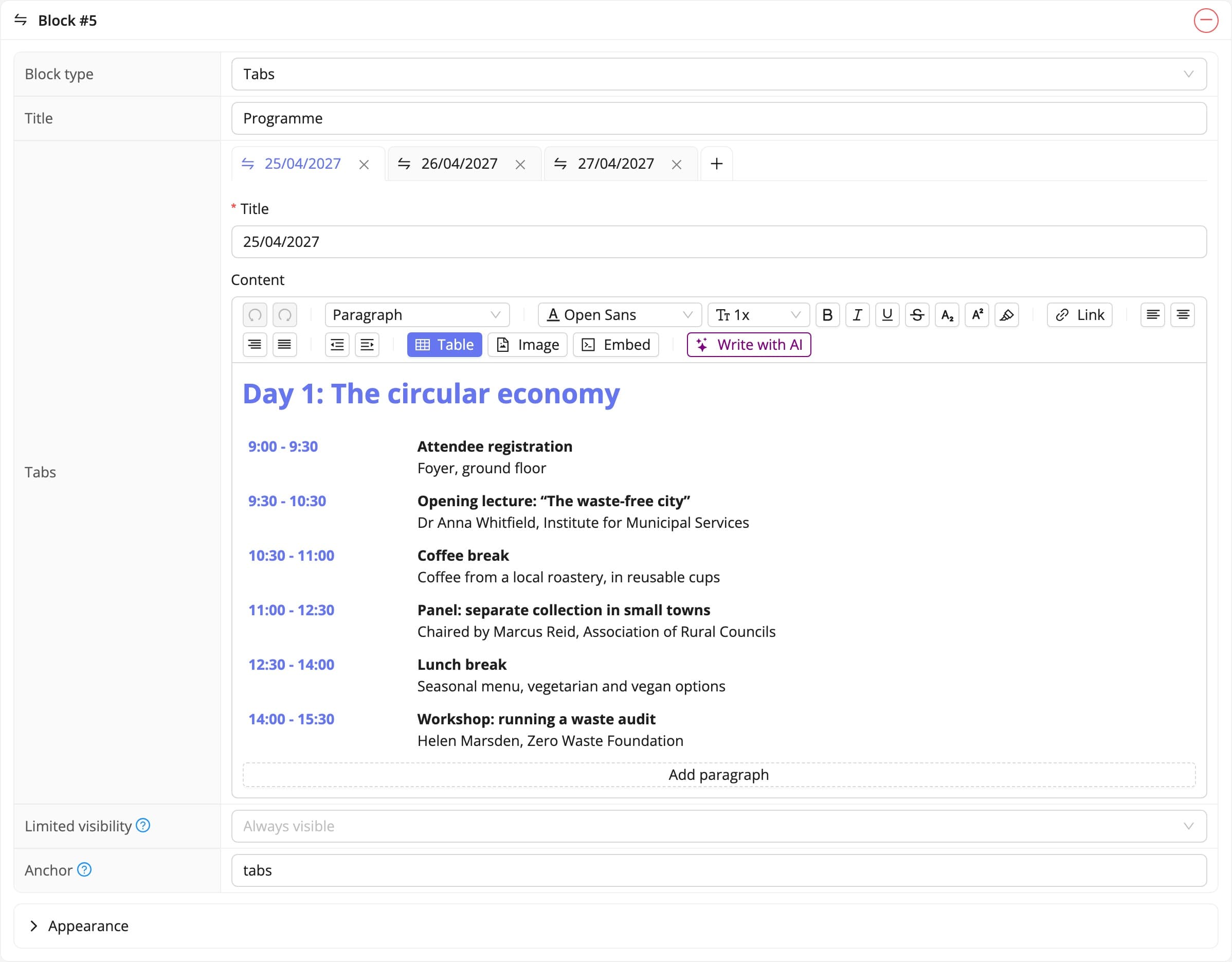
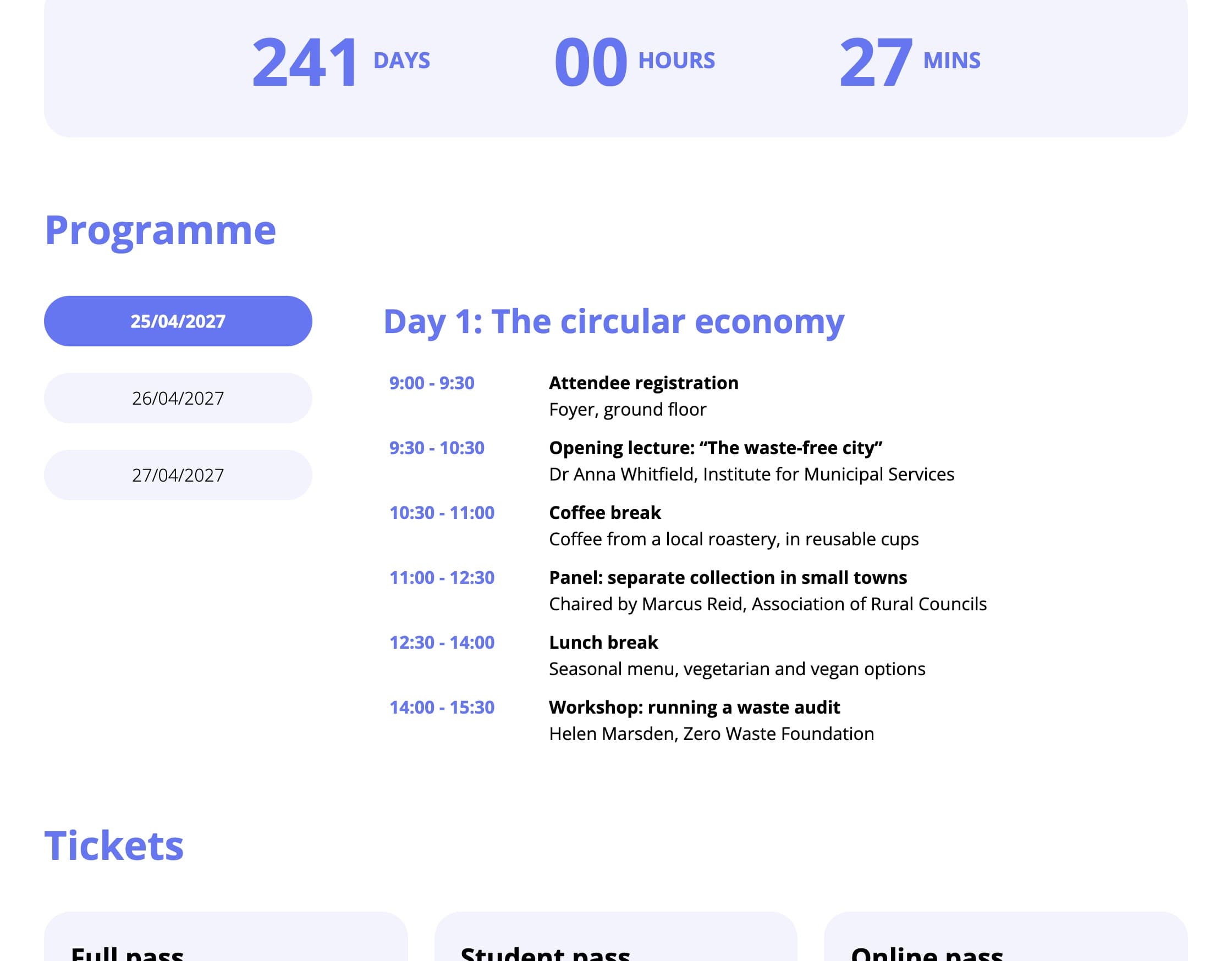
Several tabs with separate content, switched without reloading the page. The tab strip can sit on the left, on the right or above the content.
What for: an agenda where each tab is a single day of the conference. It works just as well for frequently asked questions and for several thematic tracks.
Tiles with content
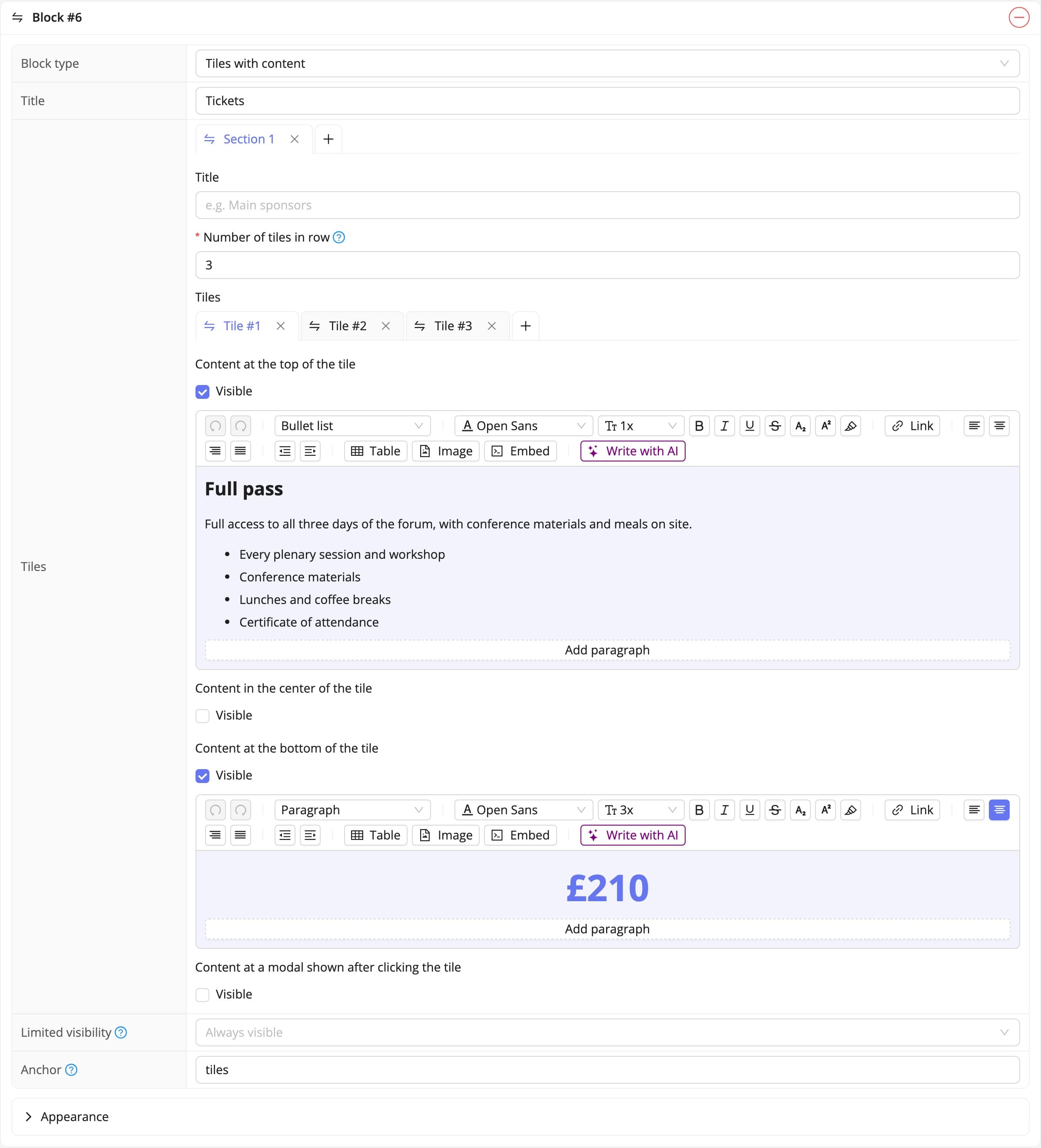
A grid of tiles with their own content at the top, in the middle and at the bottom. You set how many tiles sit in a row, the background, the spacing, and whether a tile lifts under the cursor. A tile can also open a window with a longer description.
What for: speakers with a photo and a biography note, ticket types, sponsor logos split into categories.
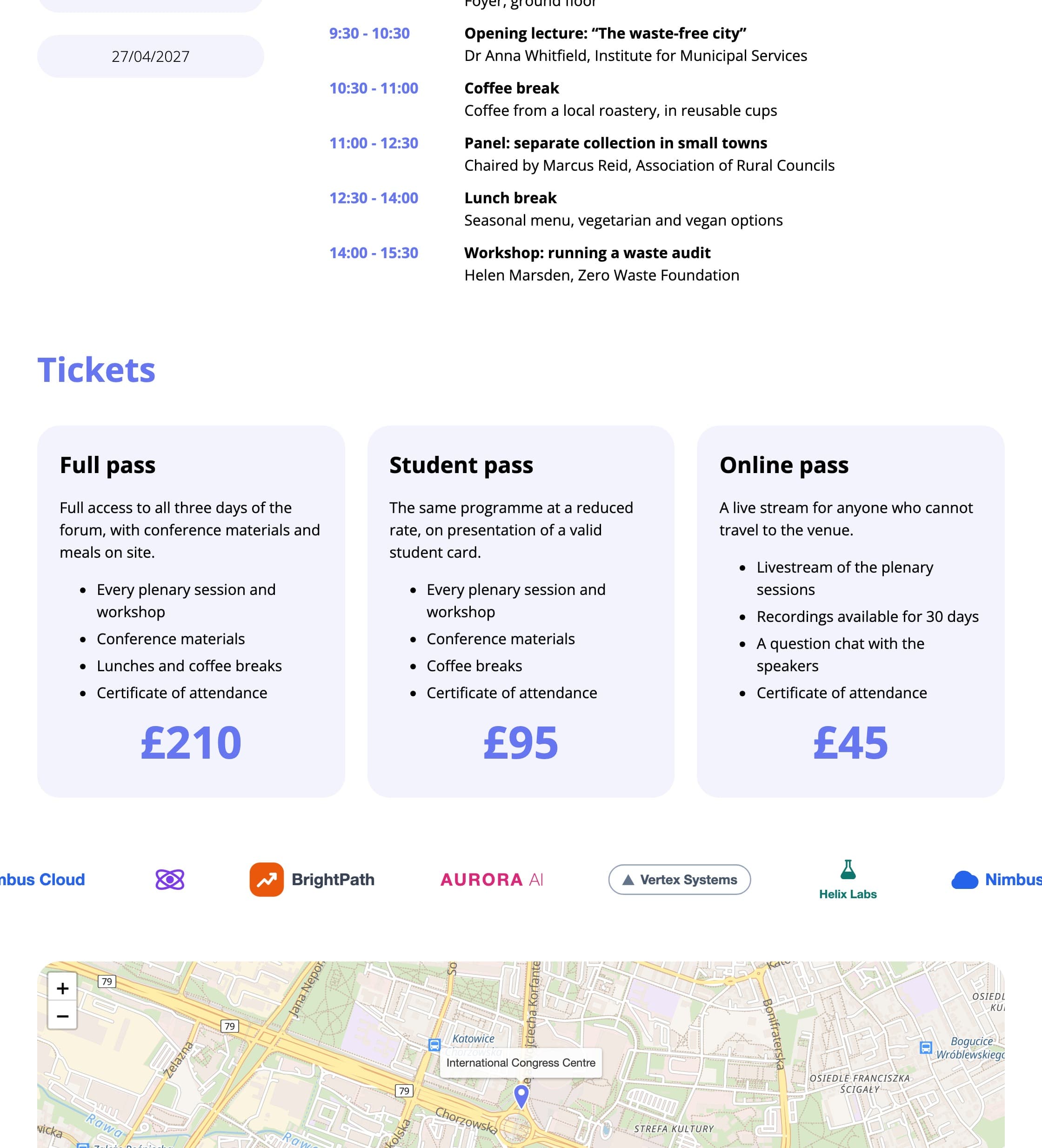
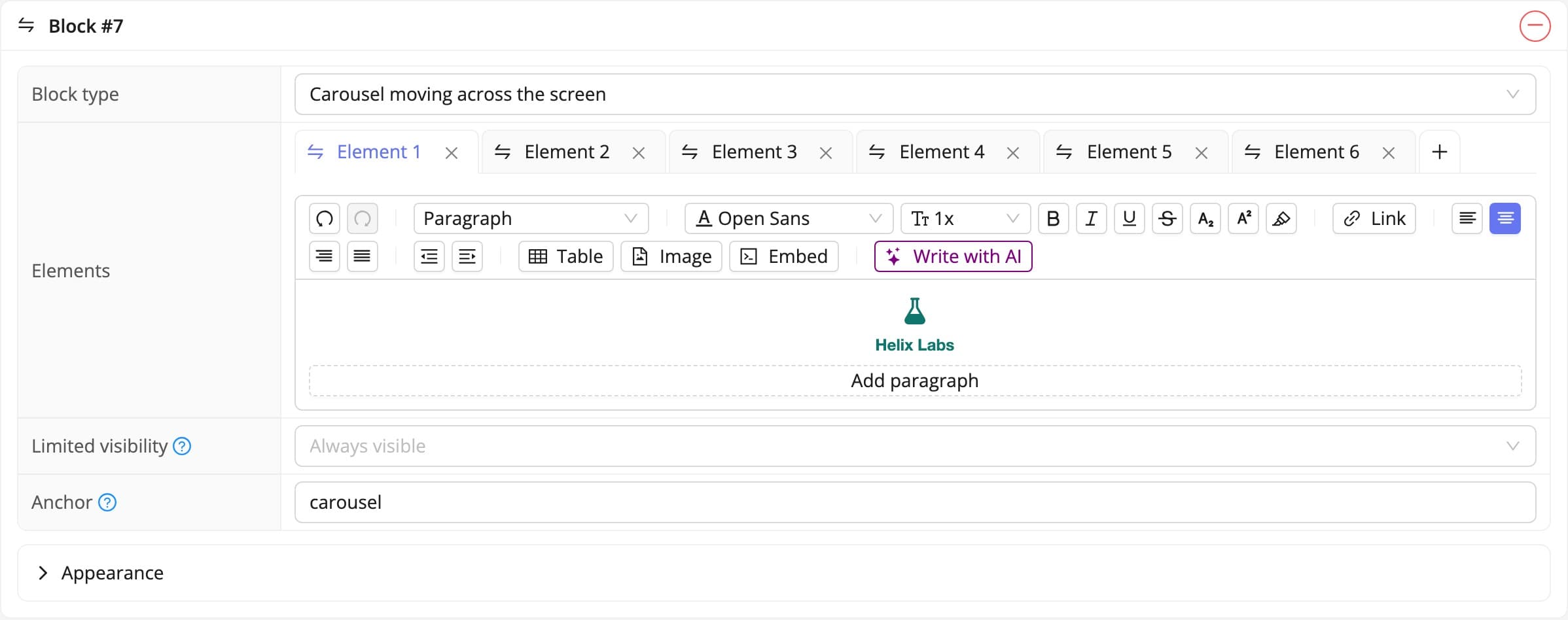
Carousel moving across the screen
A strip of elements sliding in a loop across the width of the screen. The list repeats as many times as it takes to fill the screen, so the block works even with a handful of elements.
What for: logos of partners and media patrons, when there are plenty of them and you would rather not give them a whole section.
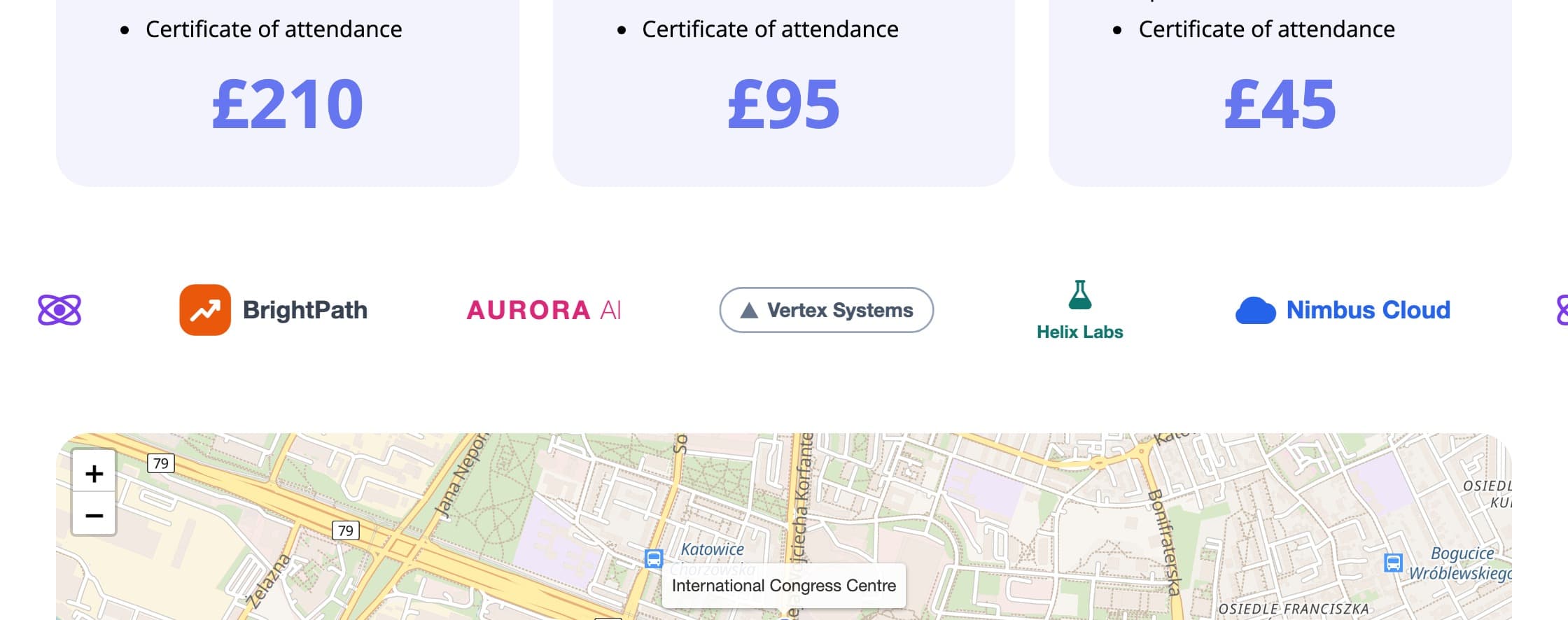
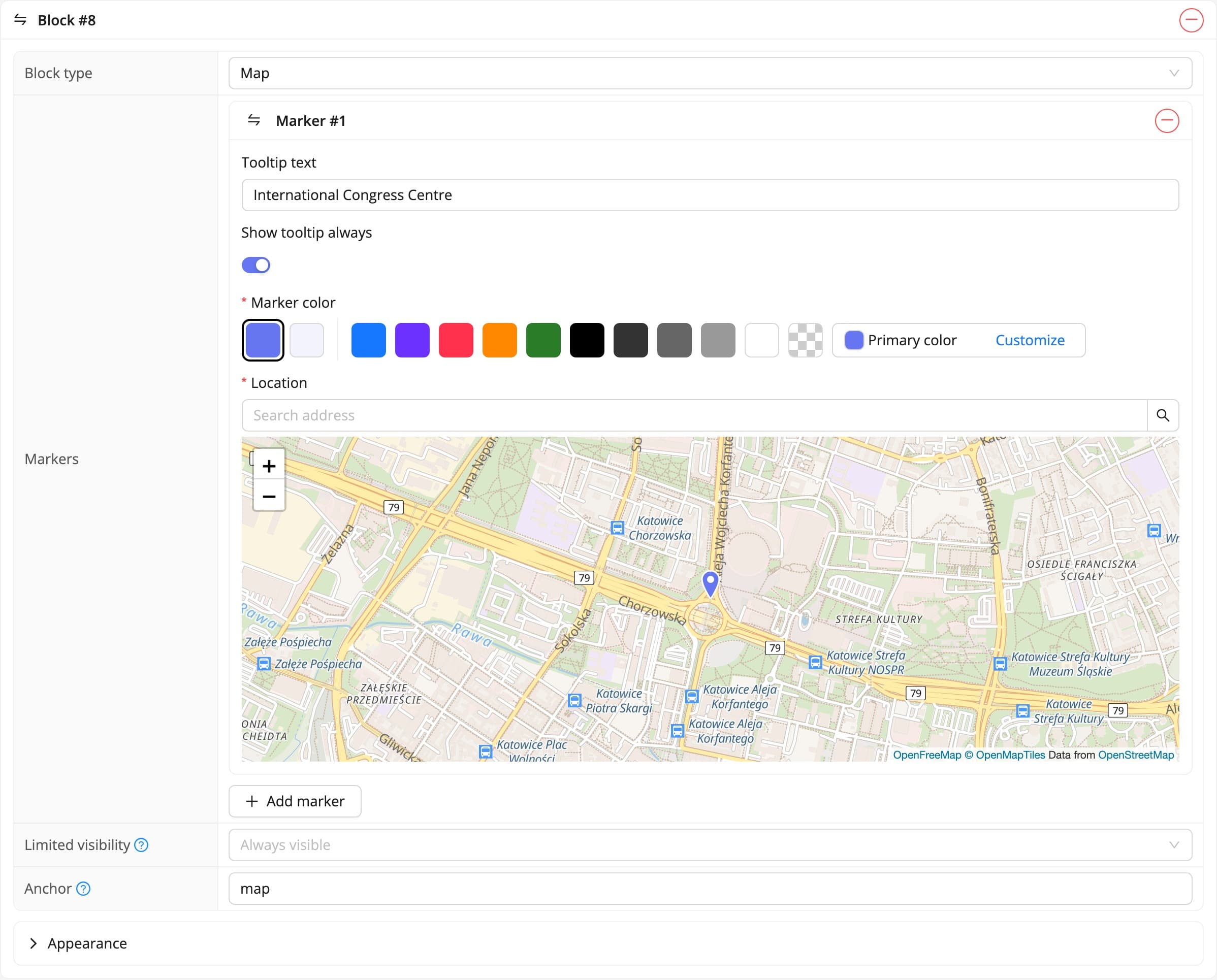
Map
A map with markers. Every marker carries its own position, zoom, colour and a tooltip with a description that can be shown permanently.
What for: the congress centre, the hotel and the place of the evening dinner, all on one map.
Subpages
The pages tab holds the list of subpages and the add page button. A new subpage needs two things: a title in every language of the event, and a path, the tail of the address. The path is what the attendee sees and what a search engine indexes, so it is worth keeping it short and descriptive.
On the subpage’s own page you also set whether the title is shown and in what colour, and below that you arrange its blocks, exactly as on the home page. The system also shows the subpage’s full address, ready to copy.
Menu and footer
The menu tab decides what goes into the top navigation: subpages, links to particular sections of the home page, or external addresses. You set the order yourself, and give the item names in every language. The footer works the same way and is the natural home for the organizer’s details, the privacy policy and patrons’ logos.
Contact and map
The contact tab handles the contact section: the organizer’s details, a form whose content reaches the email address you nominate, and a map widget showing where the event is held. A contact form earns its keep because questions from prospective attendees arrive in one place rather than in the private mailboxes of committee members.
Agenda, languages and block visibility
The website and the registration form live under the same event address. The form is simply one of its parts. A registration link from the menu or from a call-to-action block therefore leads where it should, with no links to copy across.
The agenda is most easily built from a tabs block, one tab per day, or from a content block with a table. The programme changes until the last minute, so it is worth keeping it in a structure that is easy to correct without rebuilding the whole page. The content of every block, the titles of subpages and the names of menu entries are given separately in each language of the event, and the attendee sees the version matching the language they chose. Every block also has its own visibility setting for desktop, tablet and phone, so a wide table or a decorative image can be shown on a large screen only.
The event website in short
Colours and the header are set in the appearance tab, the content is assembled from blocks, extra sections become subpages, and the navigation is arranged in menu. The website sits at the same address as registration, so the attendee moves from information to signing up without leaving the site. There is more about what the website itself can do in the event website description.
See all instructions
Complete event management on a single platform. An event website, attendee registration and a full set of organizer tools.
2026 © SF-LABS sp. z o.o. All rights reserved
Entered into the register of entrepreneurs of the National Court Register kept by the District Court for Kraków-Śródmieście in Kraków, 11th Commercial Division of the National Court Register, under KRS number 0000886671. Share capital amount: PLN 5,000.