For event agencies
All your clients' events on one account
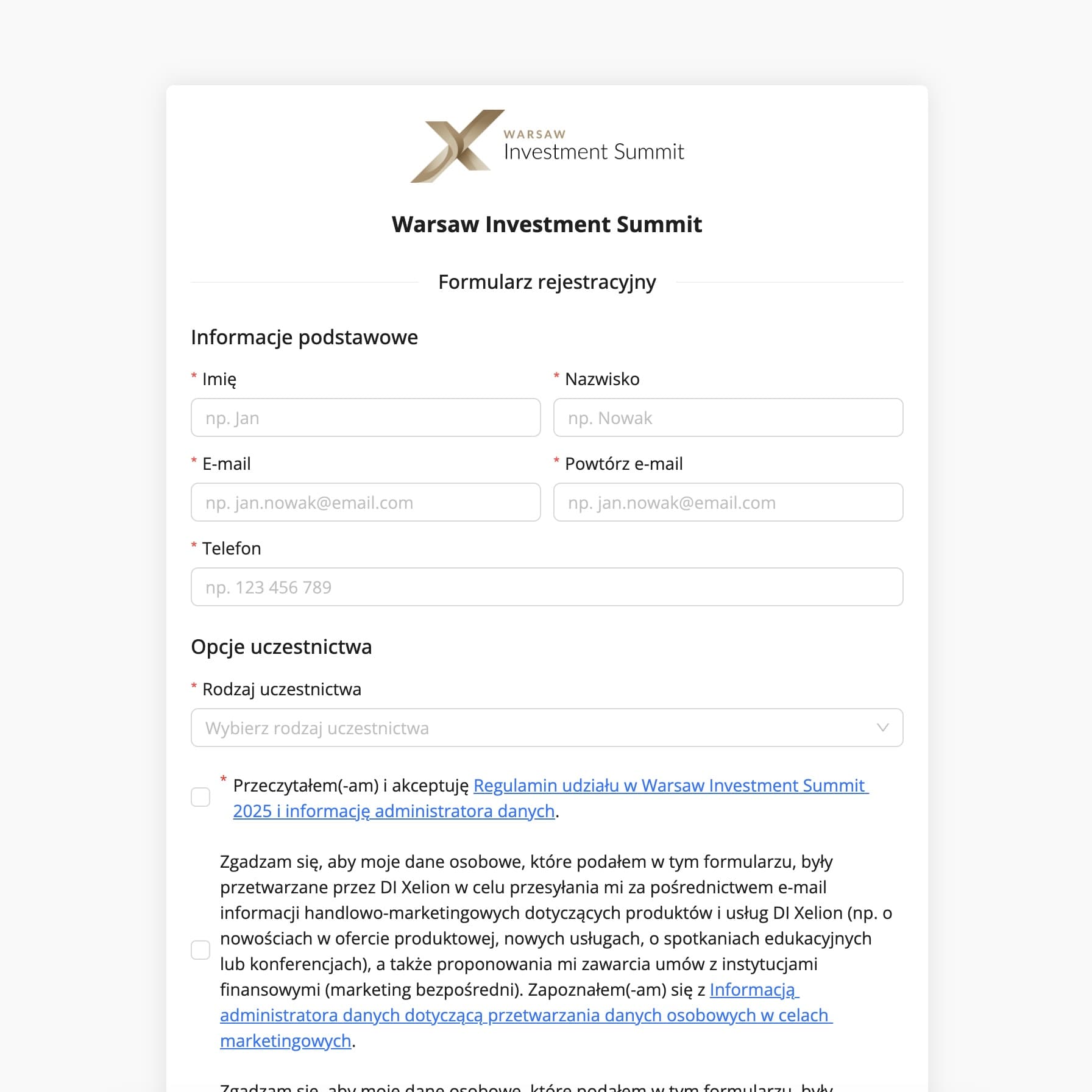
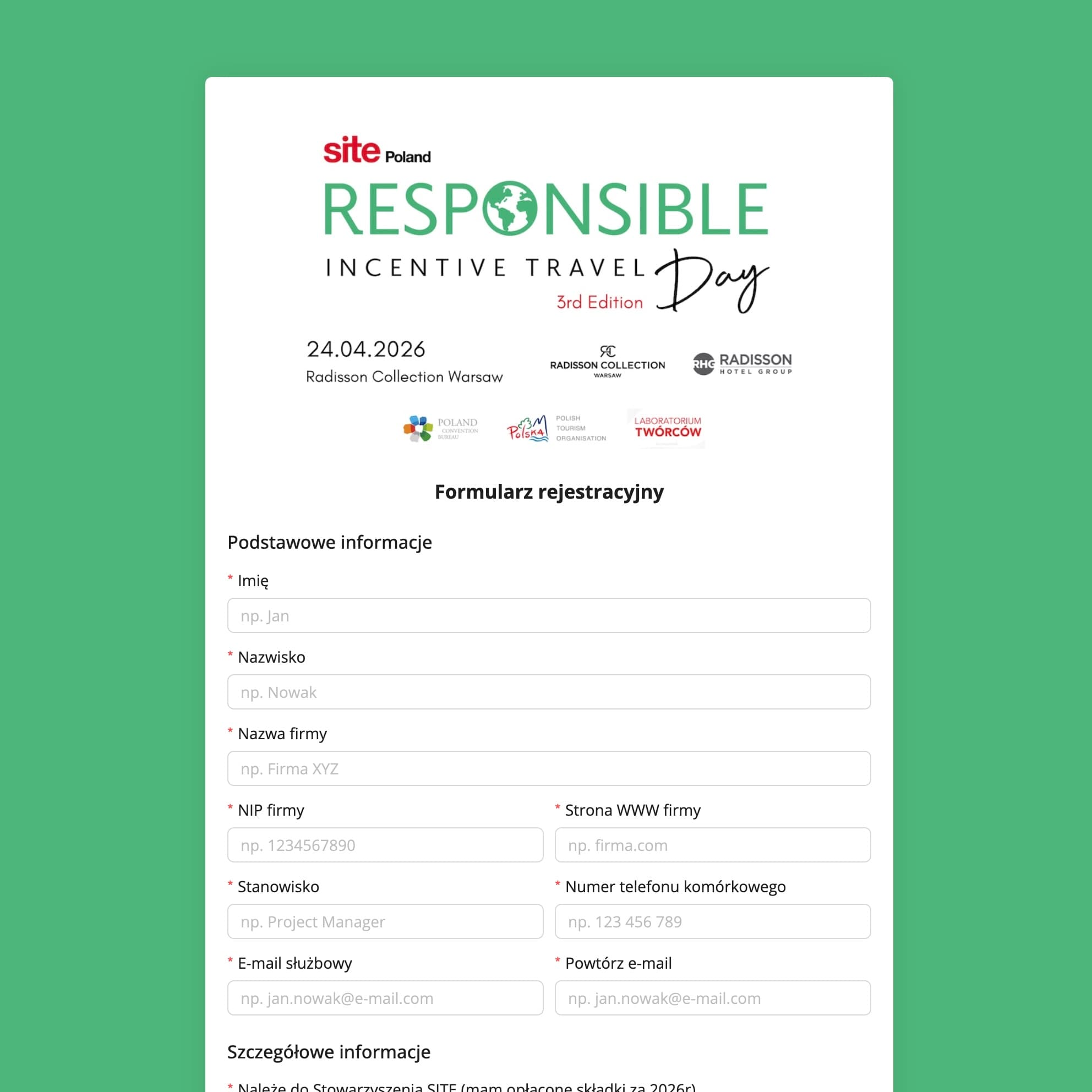
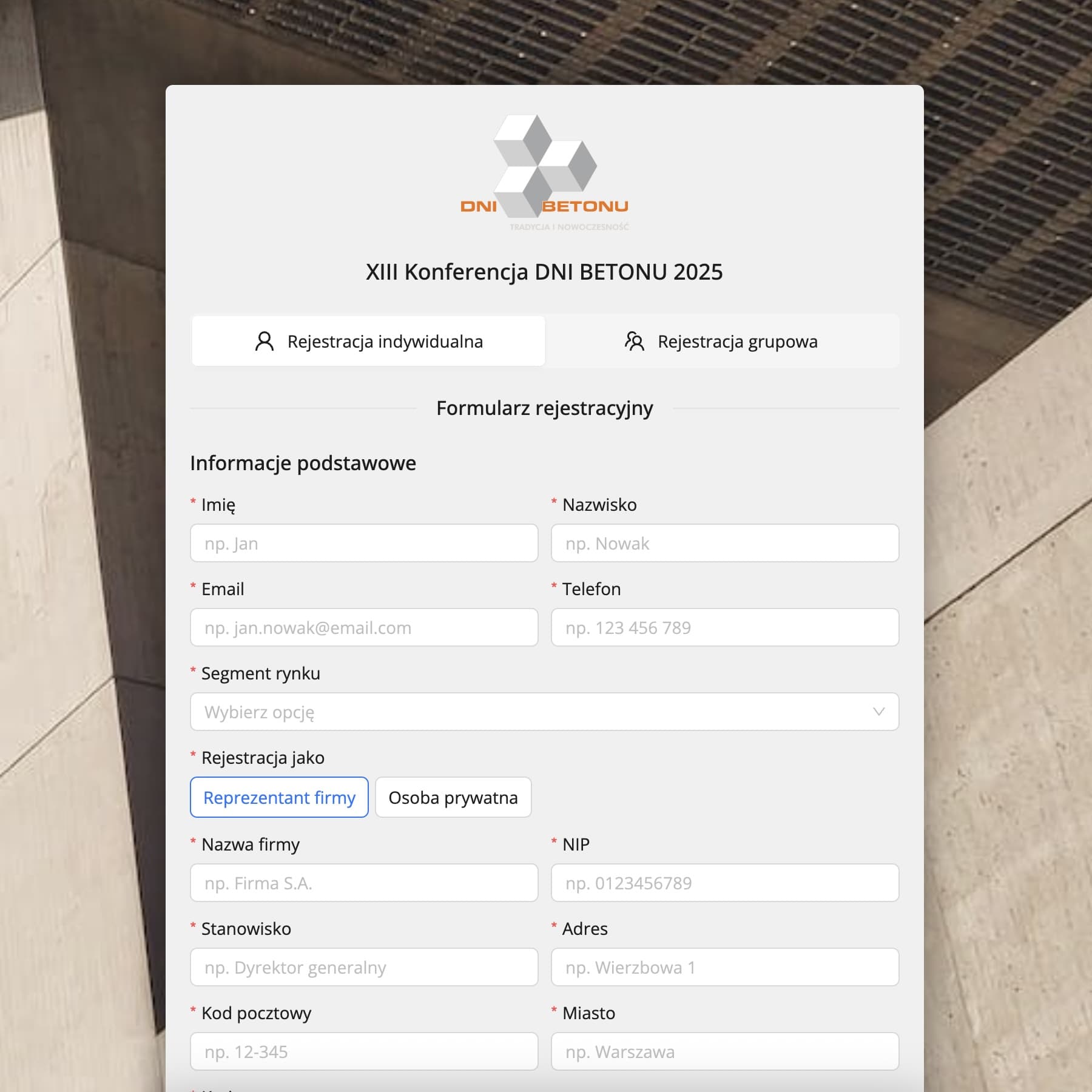
Website, registration, payments and invoices for each client separately: in their colours, with their details and into their account. You copy the next event from the previous one.
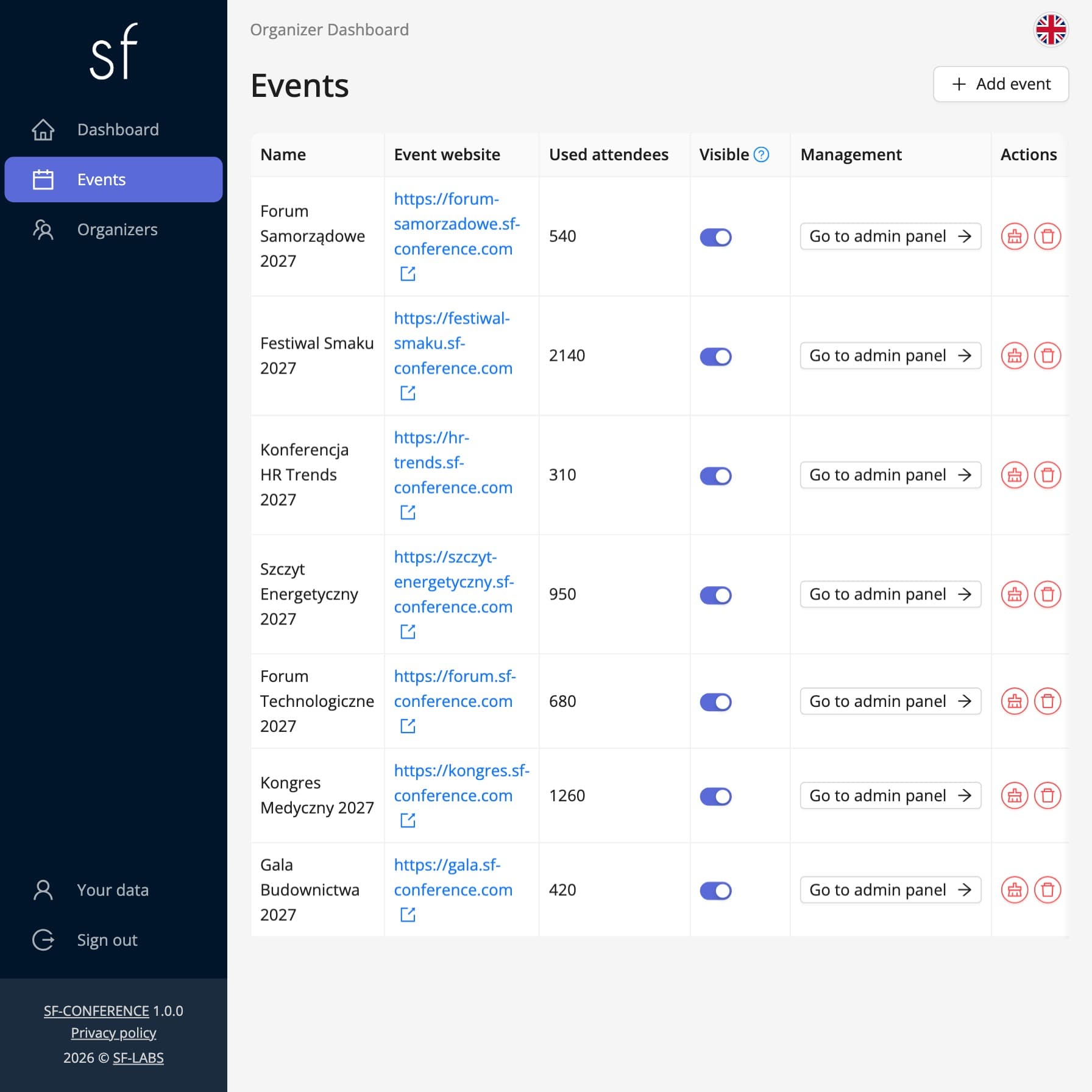
How you run your clients' events
All your clients' events are on one list. You copy a new one from the previous one, together with its forms, website, emails and invoice and payment settings.
A system built for agencies
You run events for many clients. Each has its own brand, invoice details and payment account, while you work in one system.
- One account, many clients
- All events on one list, each event's panel one click away.
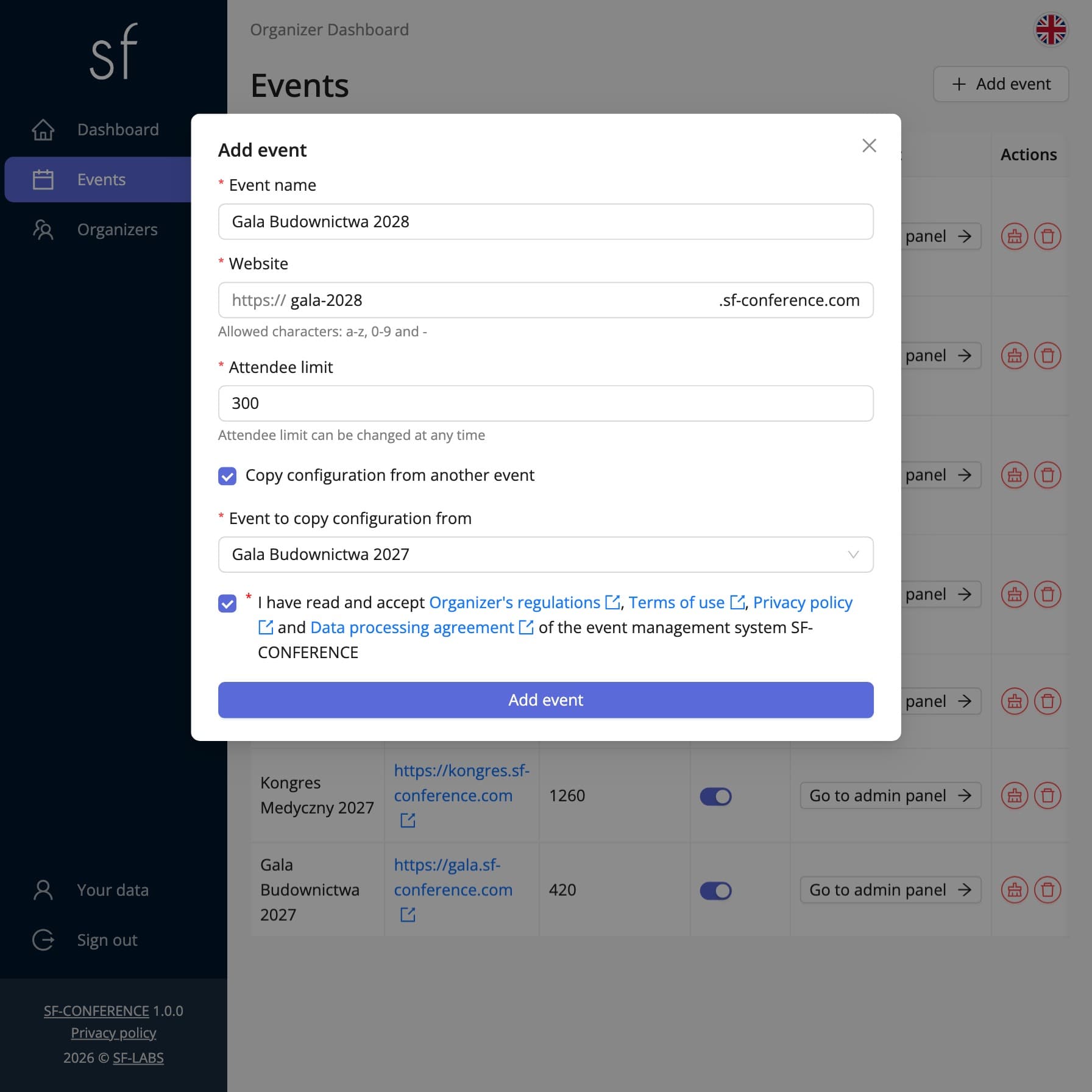
- Copying events
- Forms, website, emails, invoices and payments, without the attendees.
- Accounts for the whole team
- Every agency employee has their own account. You can also add reception staff who scan tickets at the entrance, and paper reviewers, to an event.
- Form on the client's website
- Registration embedded on the client's website with a single code snippet.
- Reports for the client
- Attendees, payments and submissions in Excel, ready to send.
- White label on request
- A version without the SF-CONFERENCE brand, on the client's domain. We will prepare it when you need it.
Everything an event agency needs, in one system
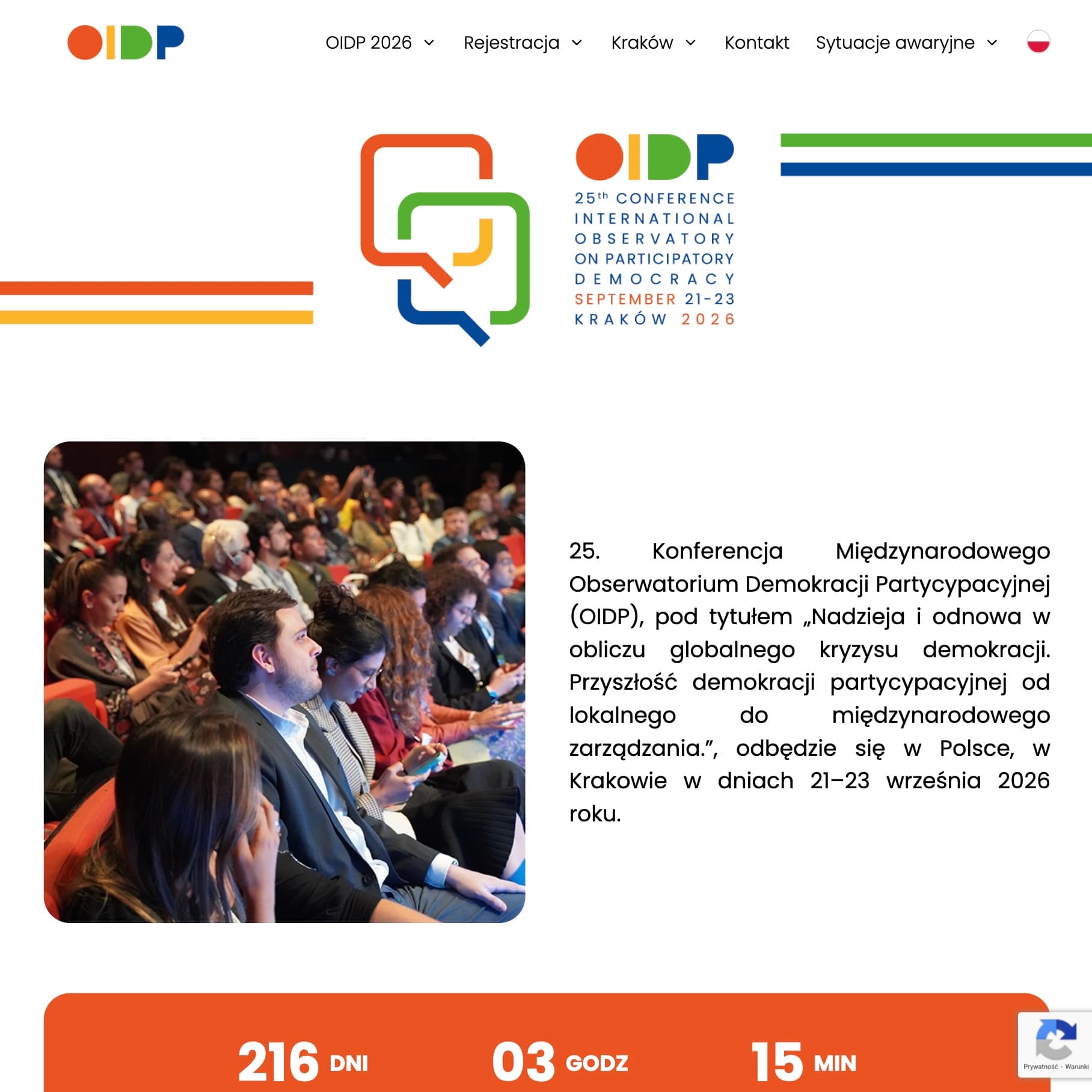
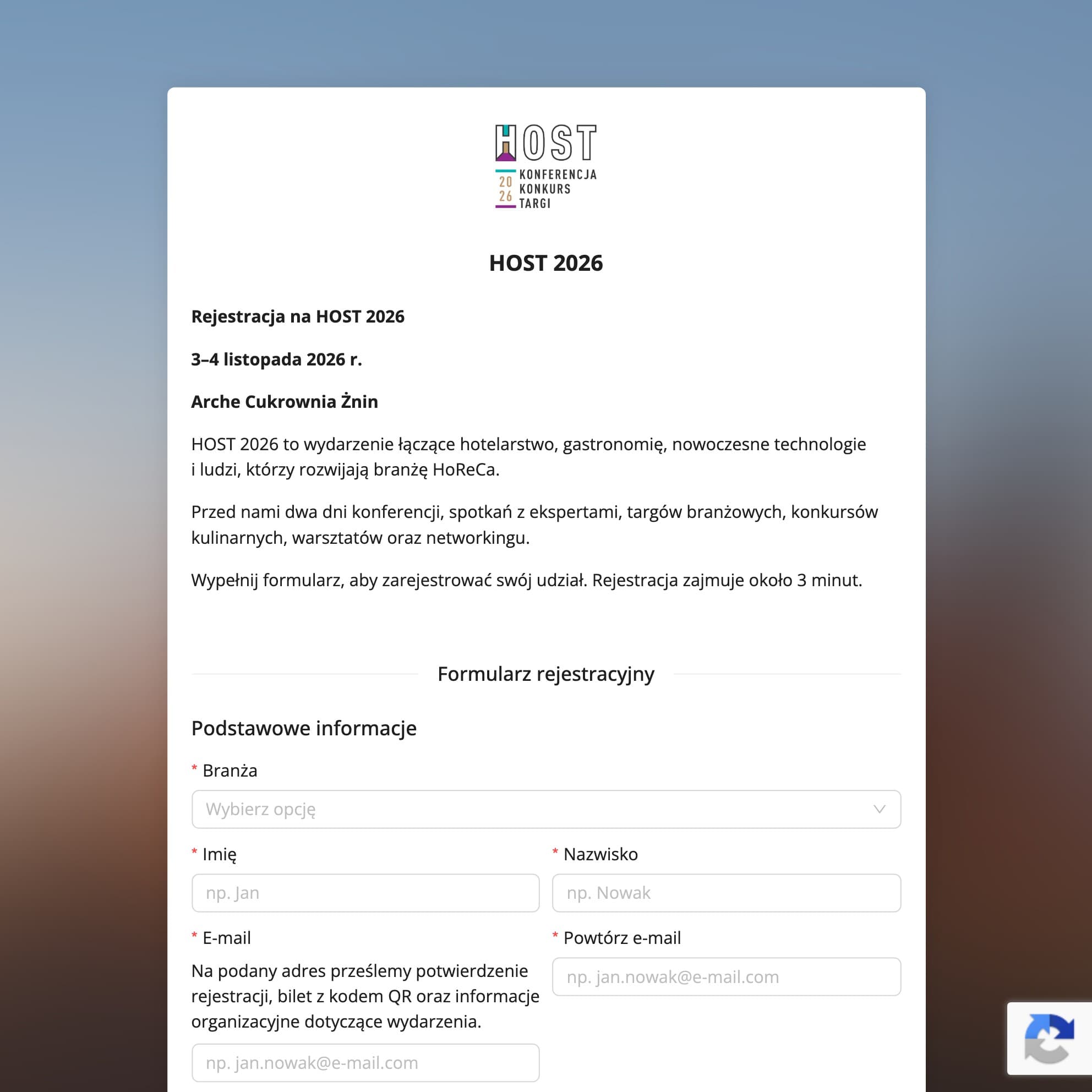
Cities, companies and associations run their events with us


One attendee pool for all clients
You buy an attendee package for the agency, and all your clients' events draw on it. The bigger the pool, the lower the rate. Creating events is free, and so is our support before each event and throughout it.
- Per attendee
- $1.79
- Total net
- $1,790.00
Net prices, VAT is added.
Questions from agencies
Will attendees see the agency's details or the client's?
The client's. Each event has the organizer name, invoice details, email sender and website look set up for the client.
Can the client check registrations themselves?
Yes. You give them a read-only account in their event. They see their own event, but not your other clients.
Who receives the attendees' money?
To the client, if the event uses their payment gateway. Invoices are issued with their details and sent to their KSeF.
How do you bill the agency?
Per attendee, from one pool for all the agency's events. The bigger the pool, the lower the rate. Creating events is free, and so is our support before each event and throughout it.
Can the event run under the client's brand and domain?
On request, we will prepare a white label version without the SF-CONFERENCE brand, on the client's domain. Let's talk about the details.
Contact us
Write to office@sf-labs.com or use the form
See also
How to add an attendee
Add an attendee manually from the panel, without waiting for them to register through the registration form.
How to collect payments and issue invoices
Set the currencies, bank transfer and online payments, and let the invoices issue themselves.
How to build a conference website
Assemble the event website from ready-made blocks: an agenda, speakers, subpages and contact details.

Complete event management on a single platform. An event website, attendee registration and a full set of organizer tools.
2026 © SF-LABS sp. z o.o. All rights reserved
Entered into the register of entrepreneurs of the National Court Register kept by the District Court for Kraków-Śródmieście in Kraków, 11th Commercial Division of the National Court Register, under KRS number 0000886671. Share capital amount: PLN 5,000.