How to collect papers and run the review
A call for papers, collecting abstracts, blind review, the committee’s decision, feedback for the author. An academic conference runs a second process in parallel with registration. In the SF-CONFERENCE system that is the papers module, and submitted works live against the same people as their registrations, so there are never two lists to reconcile.
Below we go through the whole cycle: turning the module on, the topics, the submission form, two-stage submission of an abstract and the full content, assigning reviewers, the statuses, and what the author sees.
Turning the papers module on
Under settings in the panel’s side menu, in the modules tab, turn on the toggle for papers. An entry with the list of works then appears in the side menu, and in forms, the set of forms handling the submission, the abstract, the content, the opinion and the review.
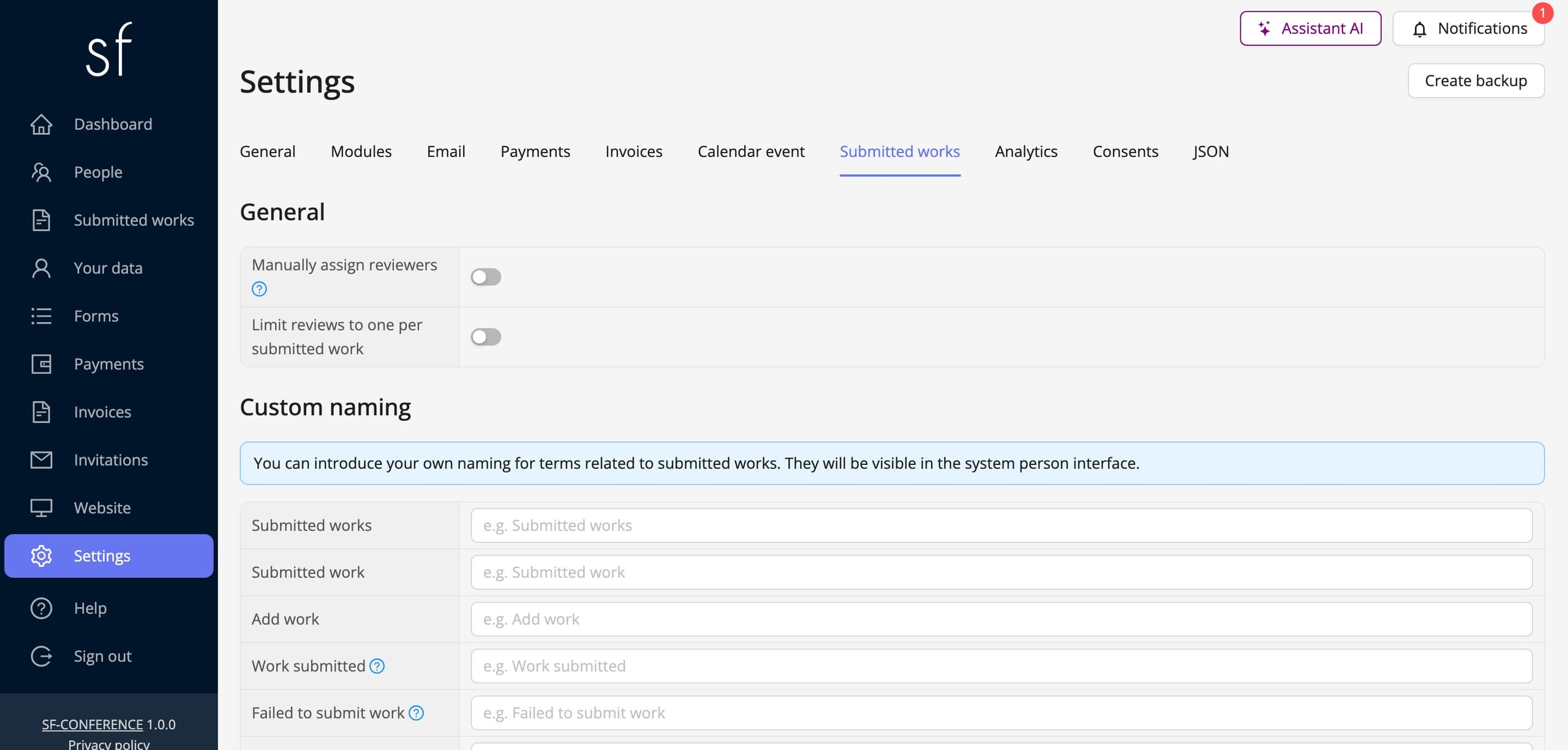
It is worth looking at the module’s own settings straight away. Among other things you will find the manually assign reviewers toggle and limit reviews to one per submitted work. Separately you set your own naming, if what you call them is "abstracts" or "posters" rather than "works", you can change that and the system will use your name everywhere, including in the messages to authors.
Topics
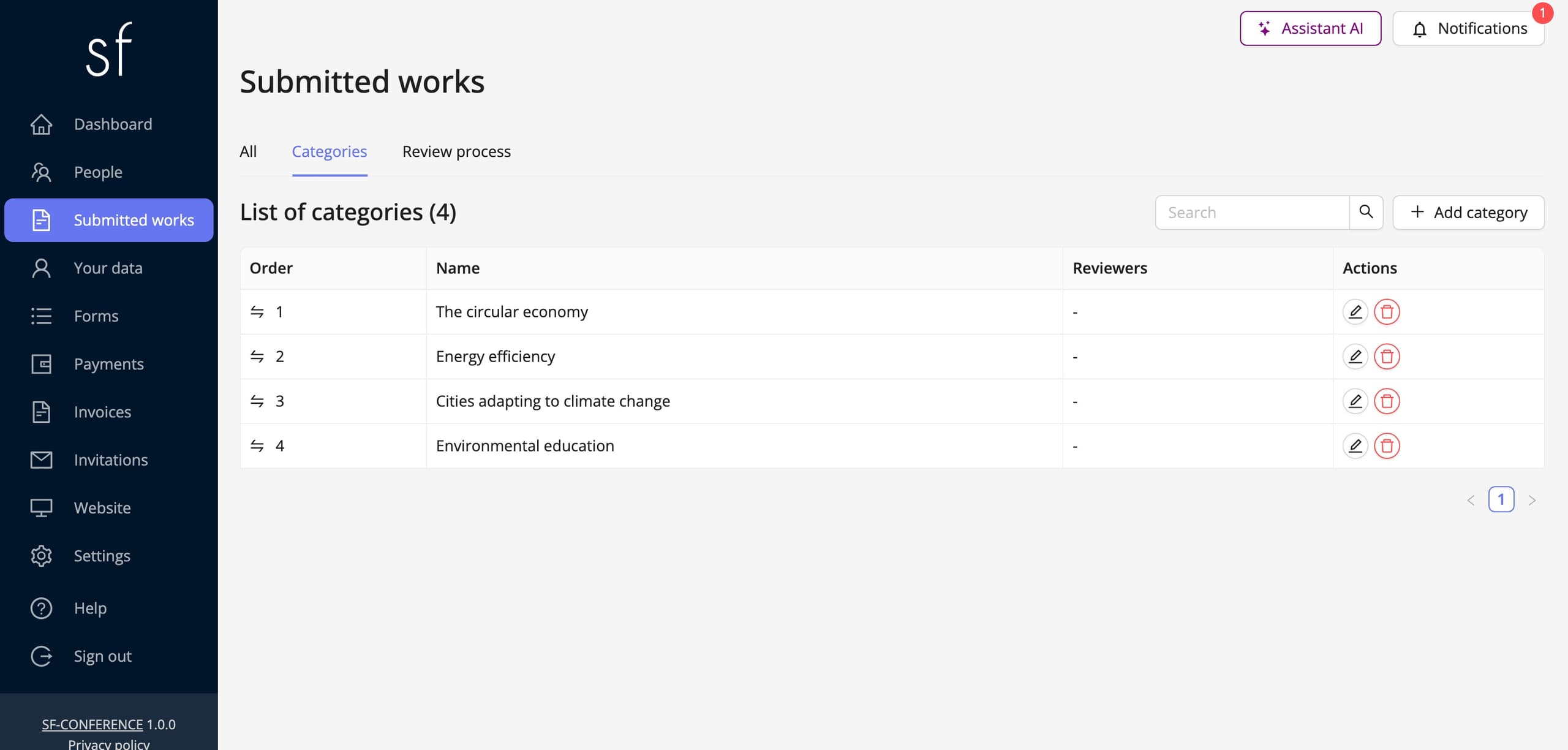
Topics are the list of areas an author assigns their work to, thematic sessions, panels or fields. They are worth defining before submissions open, because they serve two purposes at once. For the author they tidy up the choice, and for you they make it possible to split the works between reviewers by their expertise rather than by guesswork.
The submission form
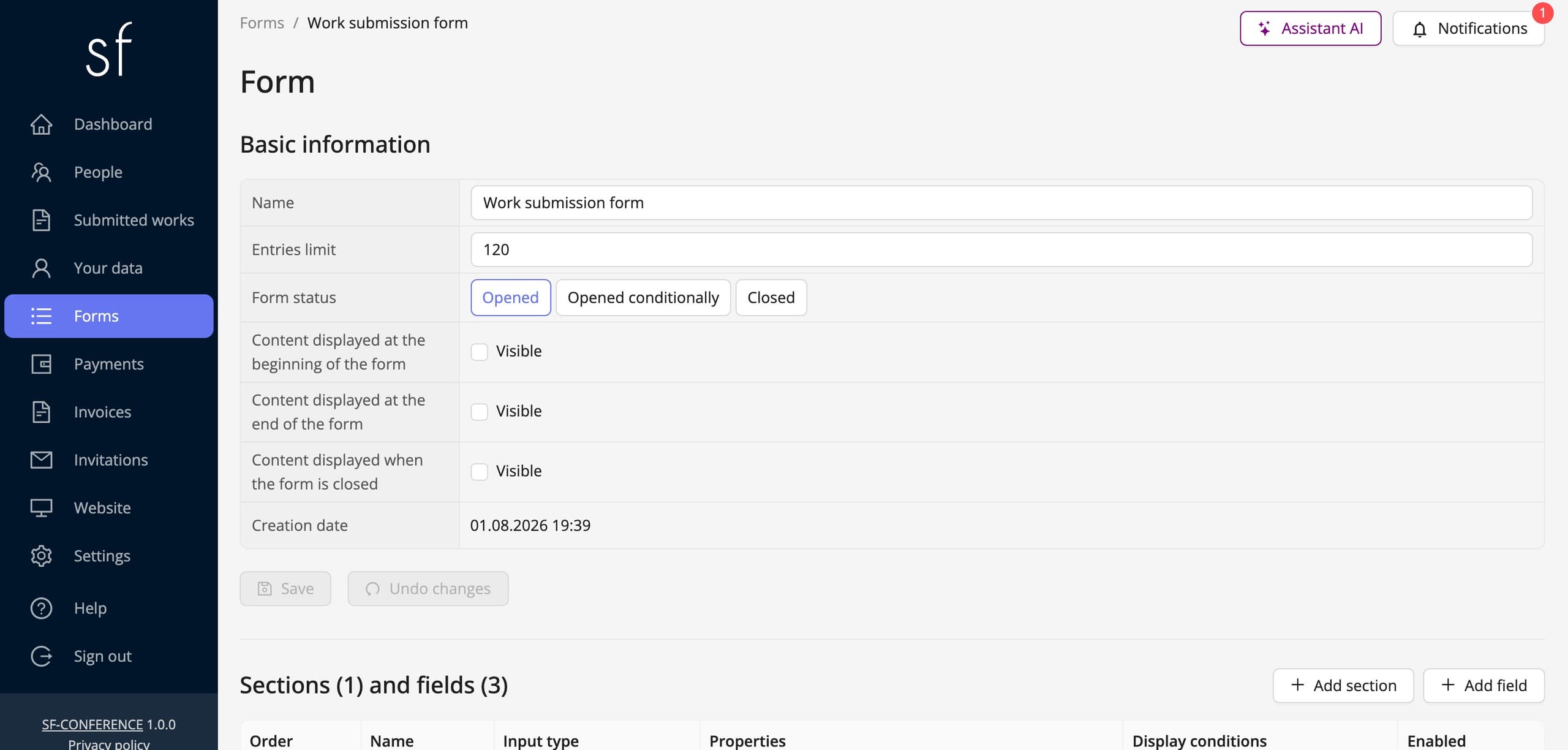
You build the submission form exactly as you build the registration one: you add sections and fields, set their order and decide what is required. Typically you ask for a title, keywords, co-authors and an affiliation, but the set of fields is entirely yours. The mechanics of fields, properties and display conditions are identical to those described in the building the registration form guide.
One field is worth marking deliberately: the property identifying the work’s title tells the system which answer to show as the submission’s name on lists and in messages. Without it a work is identified by its number alone.
Abstract and full content
Submission can run in two stages, which is the norm at academic conferences. The author first sends an abstract, and only once it is accepted may they add the full content. Both stages have forms of their own, so you can ask for different things at each.
The content is uploaded as a PDF, and alongside it the form accepts a ZIP archive for supporting material, data, attachments, editable versions. The files stay with the submission, so the reviewer and the committee always work on the same version.
Reviewers and assigning submissions
Reviewer is a role in the system, so one person can be an attendee and a reviewer at the same time. You add them like anyone else, granting the right role. Reviewers log in to the same panel but see in it only the works assigned to them.
Assignment can be manual or automatic. The manually assign reviewers toggle in the module settings decides which. With automatic assignment the system distributes the submissions itself, and the topics are decisive here, because they are what sends a work to the right person. The limit reviews to one per submitted work setting in turn lets you decide whether one work gets one review or several independent ones.
The review itself is a form too, so you lay the scoring sheet out your own way: a points scale, open questions, a recommendation. Alongside the review there is a separate opinion, meant for a shorter assessment of the abstract at the earlier stage.
Statuses and committee decisions
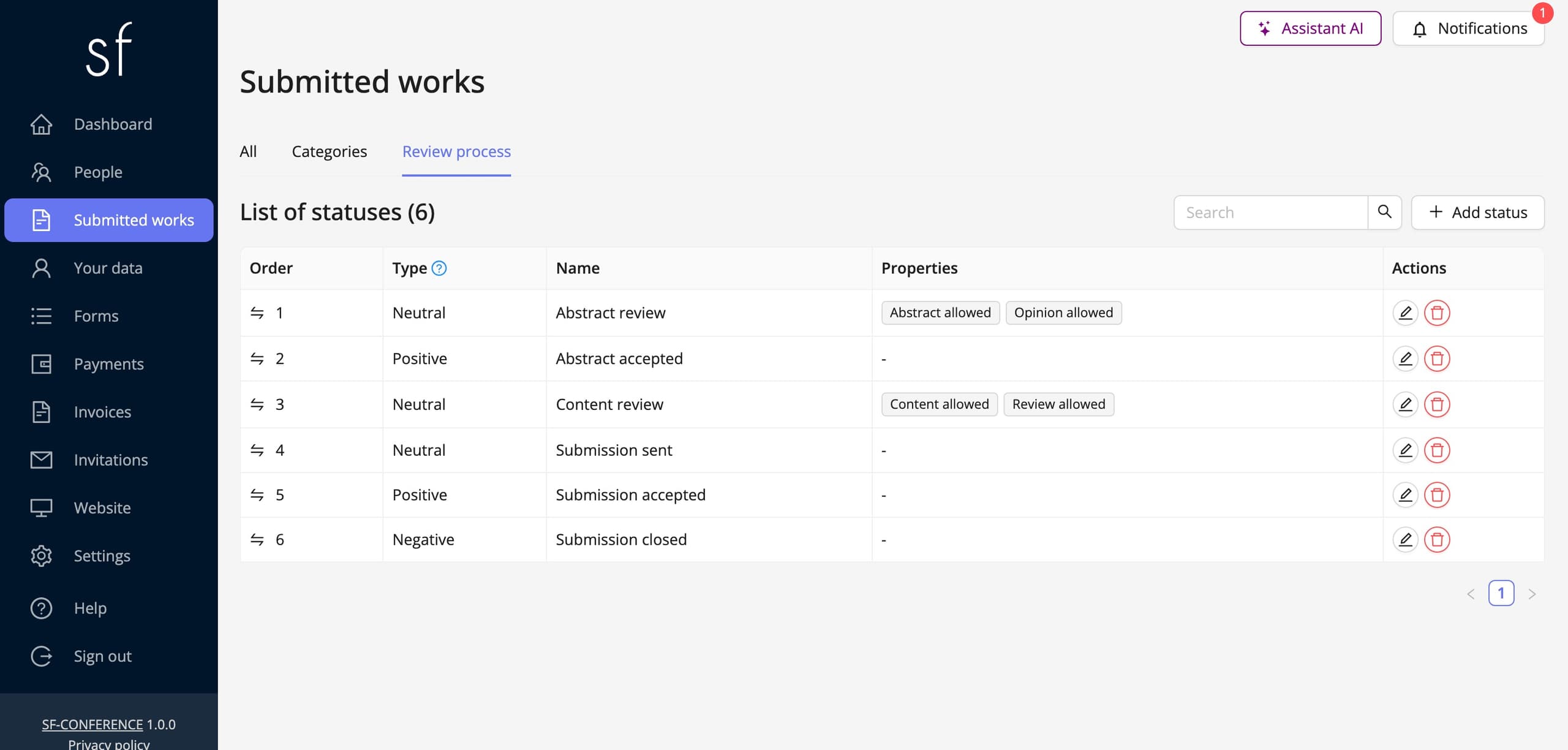
Every submission has a status carrying it through the process: abstract review, abstract accepted, content review, submission accepted or rejected. You define the statuses yourself and it is they that decide what may be done at any given point, when the author may add the full content, for instance, and when a reviewer may add a review.
A status change can send the author a message, and all the correspondence stays with the submission. Statuses can also be changed in bulk for the ticked works, which saves a lot of clicking once there are dozens of submissions.
You can download the list of works together with their scores as an XLS file, and the uploaded files in bulk, in a single download. That is usually the starting point for the book of abstracts and the conference programme.
What the author sees
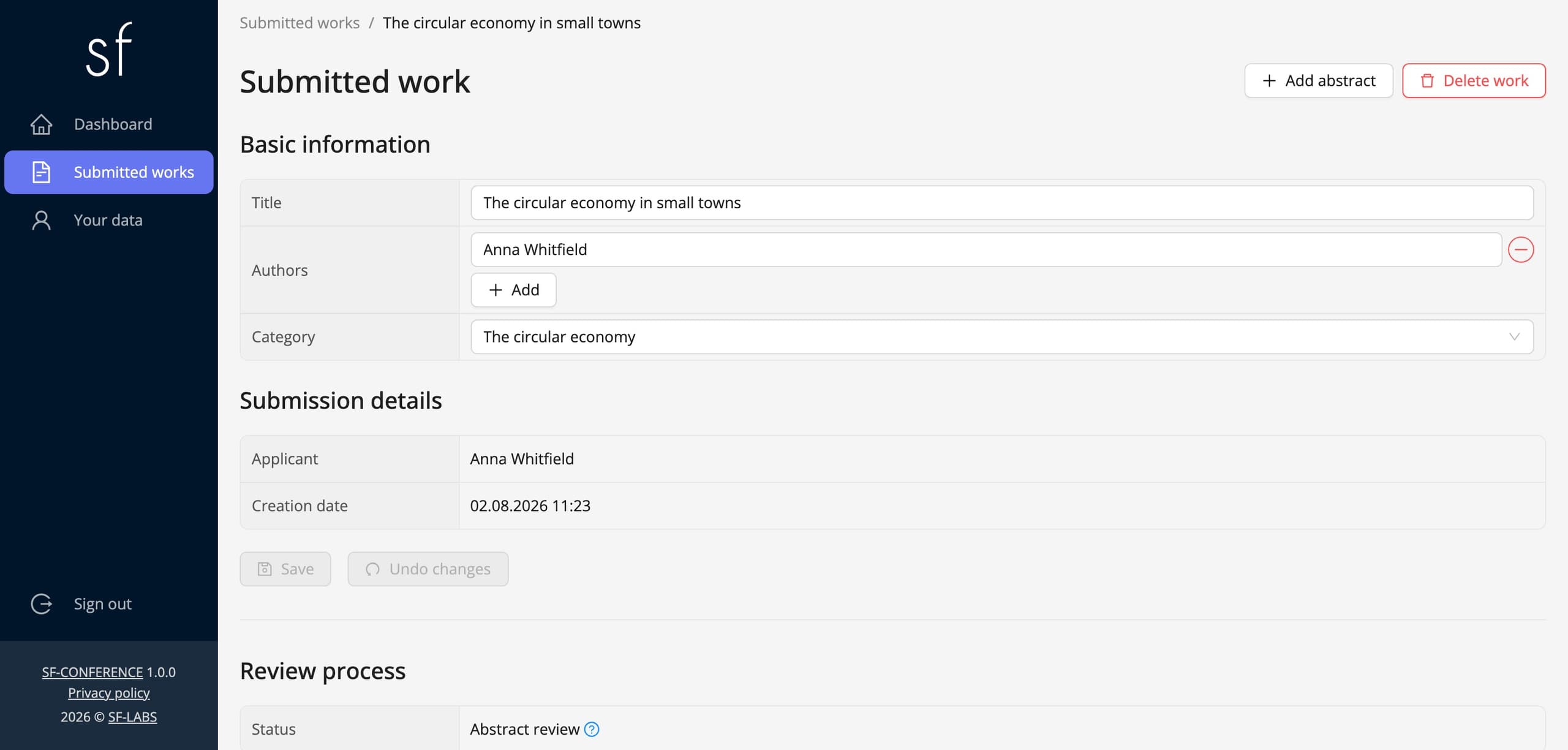
The author works in the same panel but sees only their own submissions: their status, the message history and whatever they are allowed to add at that point. Review visibility is an event setting, so you can run open review or show the author the decision alone, without the review text and the reviewer’s details.
Anonymity, reviewers and naming
The visibility of a review and of the data around it is an event setting, so review can be run openly, or the review text, the reviewer’s details, or both can be hidden from the author. The number of reviews per work is governed by a separate setting, Limit reviews to one per submitted work; switch it off and a single submission receives several independent opinions.
Submitting a work goes together with an account in the system, because the author has to be able to come back for the decision and add the full content, which is what ties a work and the same person’s registration together. The naming is not imposed, though: the module’s settings let you give your own names to submissions and the actions around them, so a paper can become an abstract or a poster, and the system will use that name across the whole panel and in messages to authors.
Papers in short
The order runs like this: turn the module on, define the topics, lay out the submission form, decide about two-stage submission, add the reviewers and set the statuses. The rest is work on the submissions list. There is more about the module itself in the papers and review description.
See all instructions
Complete event management on a single platform. An event website, attendee registration and a full set of organizer tools.
2026 © SF-LABS sp. z o.o. All rights reserved
Entered into the register of entrepreneurs of the National Court Register kept by the District Court for Kraków-Śródmieście in Kraków, 11th Commercial Division of the National Court Register, under KRS number 0000886671. Share capital amount: PLN 5,000.